How to Add a Phone Number
Add a phone number to your account for SMS alerts.
Add and verify a phone number so StayPut can send curfew alerts by SMS.
SMS alerts only go out to a verified number. If you skip verification, you can still receive push and email alerts.
Open Your Account Page
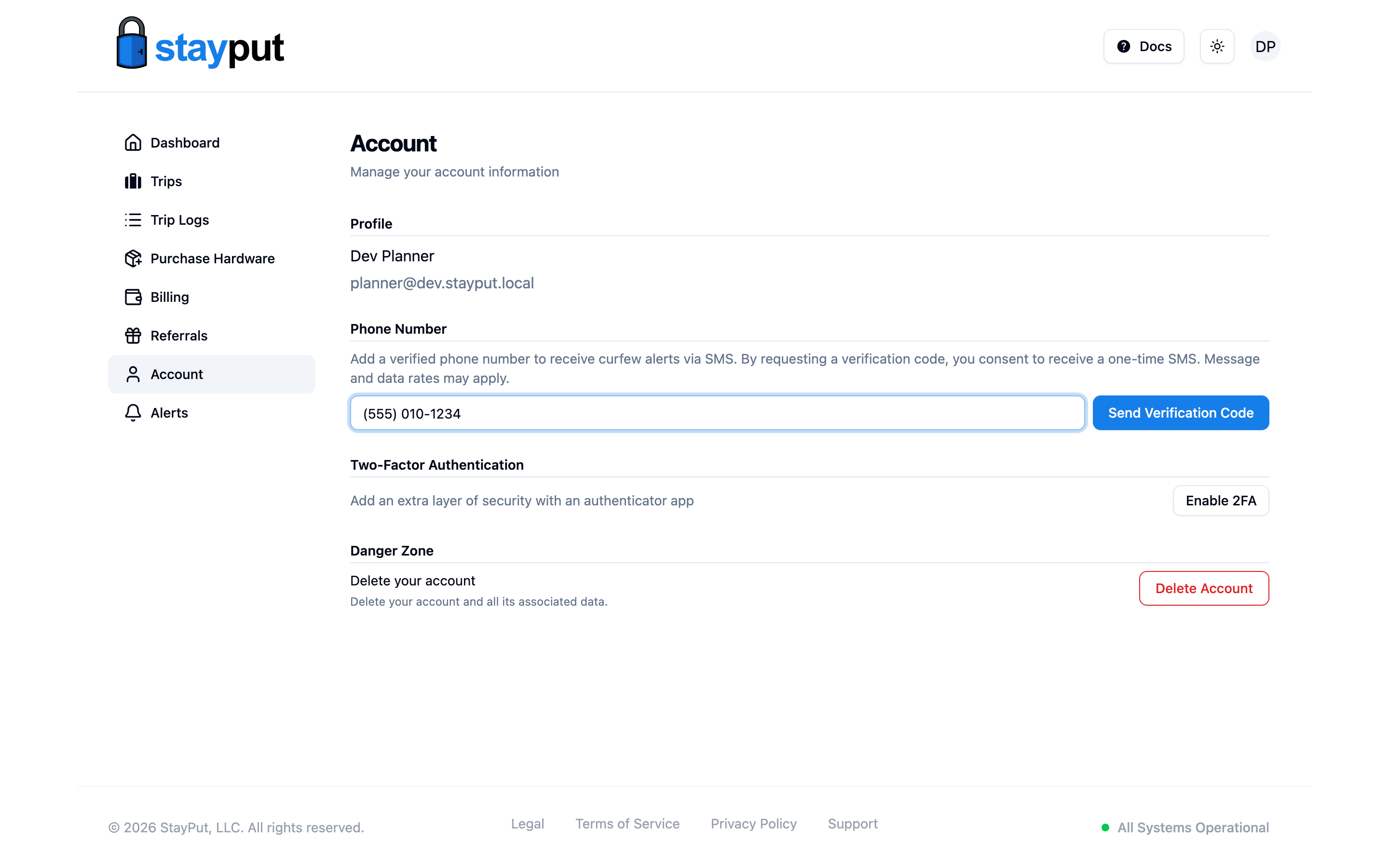
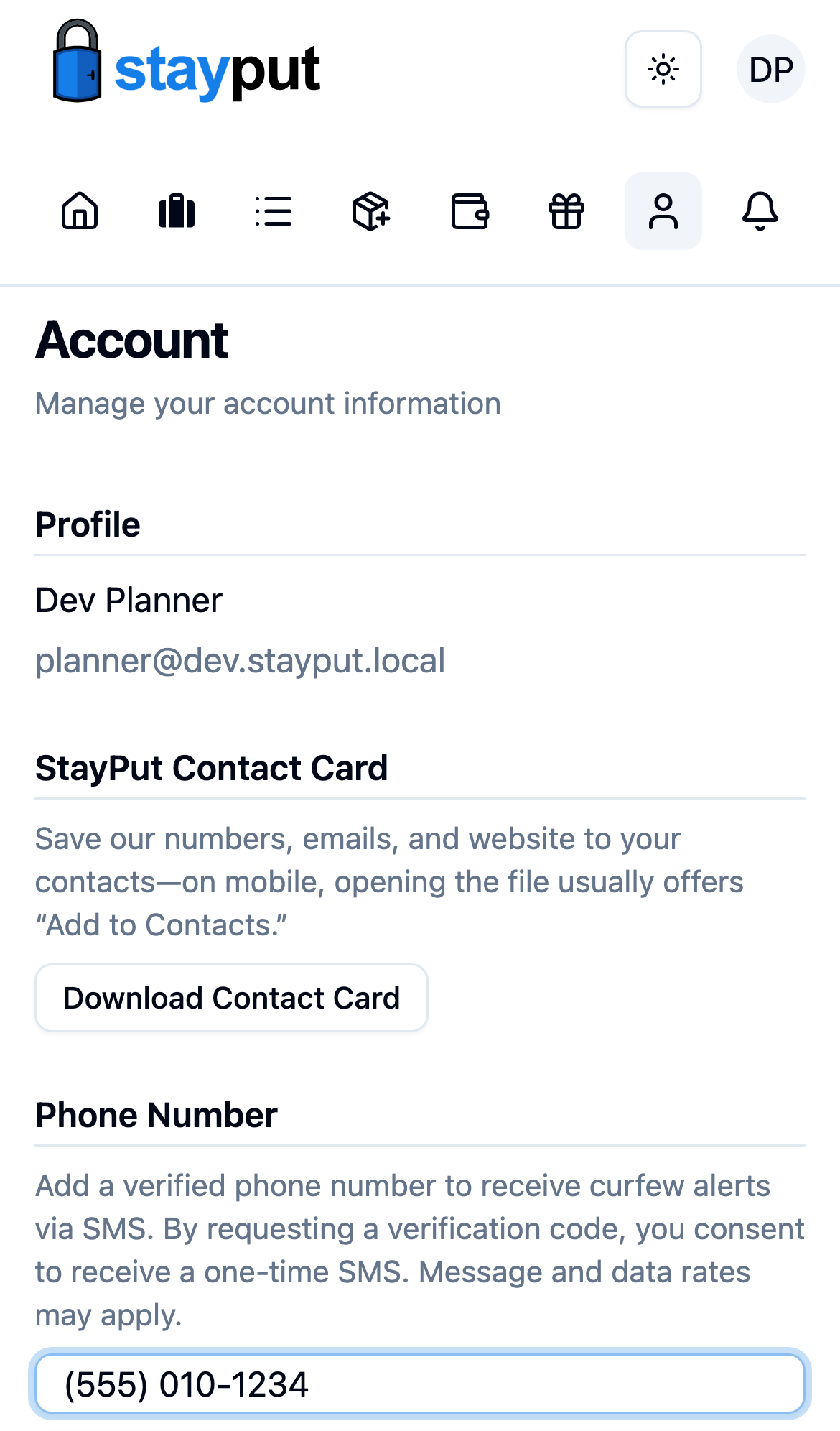
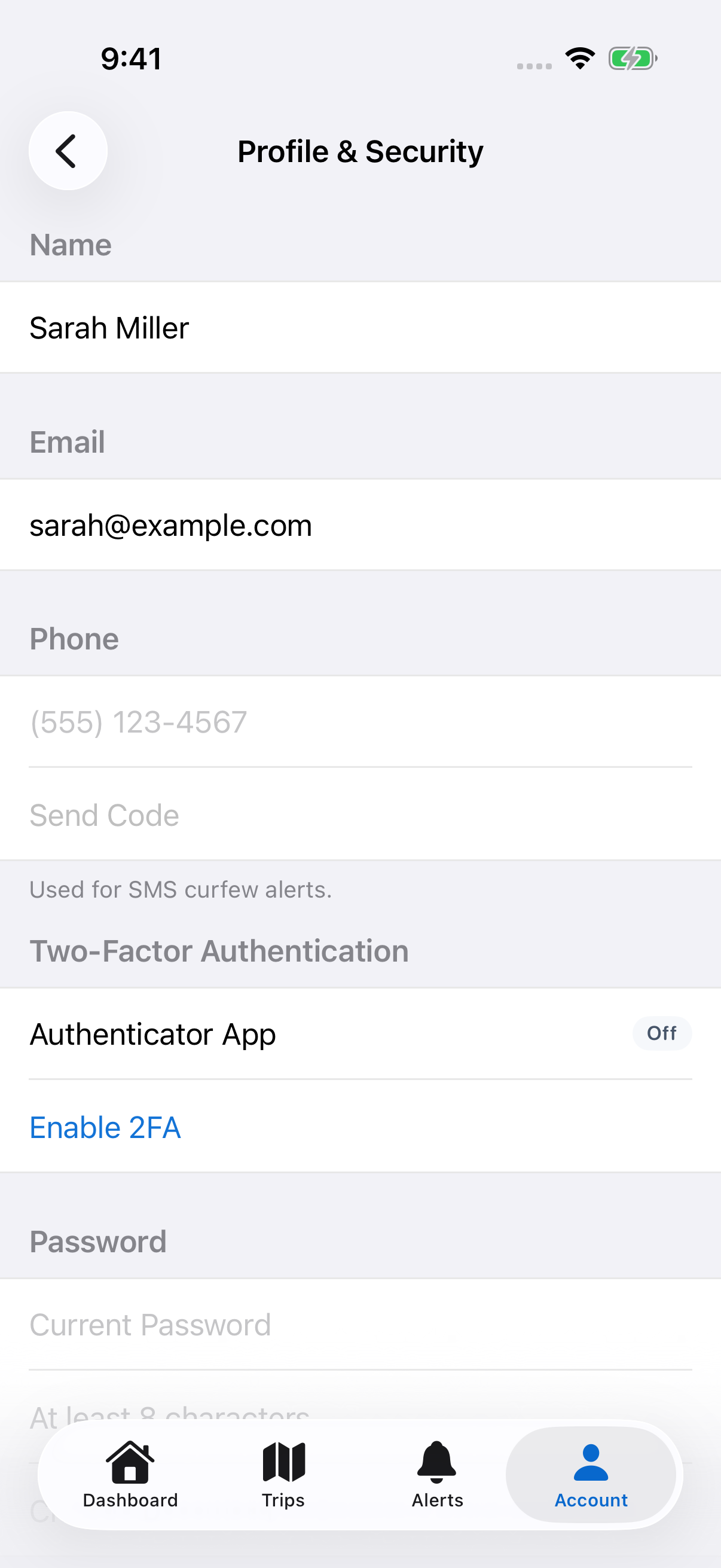
Sign in and select Account in the sidebar, then find the Phone Number section.
Enter Your Number
If you don’t have a number on file yet, the phone field is already showing. If you do, select Edit Phone Number first. Enter your number and select Send Verification Code.
Enter the Verification Code
StayPut texts you a 6-digit code. Enter it in the Verification Code field and select Verify.
Confirm It’s Verified
Once verified, your number shows a Verified badge. You can now turn on SMS alerts from Manage Notification Preferences.
Select Edit Phone Number, enter the new number, and verify it the same way. The old number stops receiving alerts once the new one is verified.