Installing Door Sensors
Mount and pair door sensors on room doors before curfew begins.
Mount one battery-powered door sensor on each room door you want to monitor. Sensors attach with removable adhesive designed to come off cleanly — no damage to hotel doors — and replacement adhesive strips are included with your purchase.
Set up the gateway first so it’s online while you install — see Setting Up the Gateway. Each sensor should also be assigned to its room in the dashboard: How to Add a Door Sensor to a Trip.
Match the Sensor to the Room
Check the serial number printed on the sensor and confirm it’s the one assigned to that room on the trip’s Hardware tab. Installing a sensor on the wrong door means alerts will name the wrong room.
Mount the Sensor
Wipe the mounting surface so it’s clean and dry, then press the sensor firmly onto the door using the removable adhesive. Install it with the door closed.
Verify It in the Dashboard
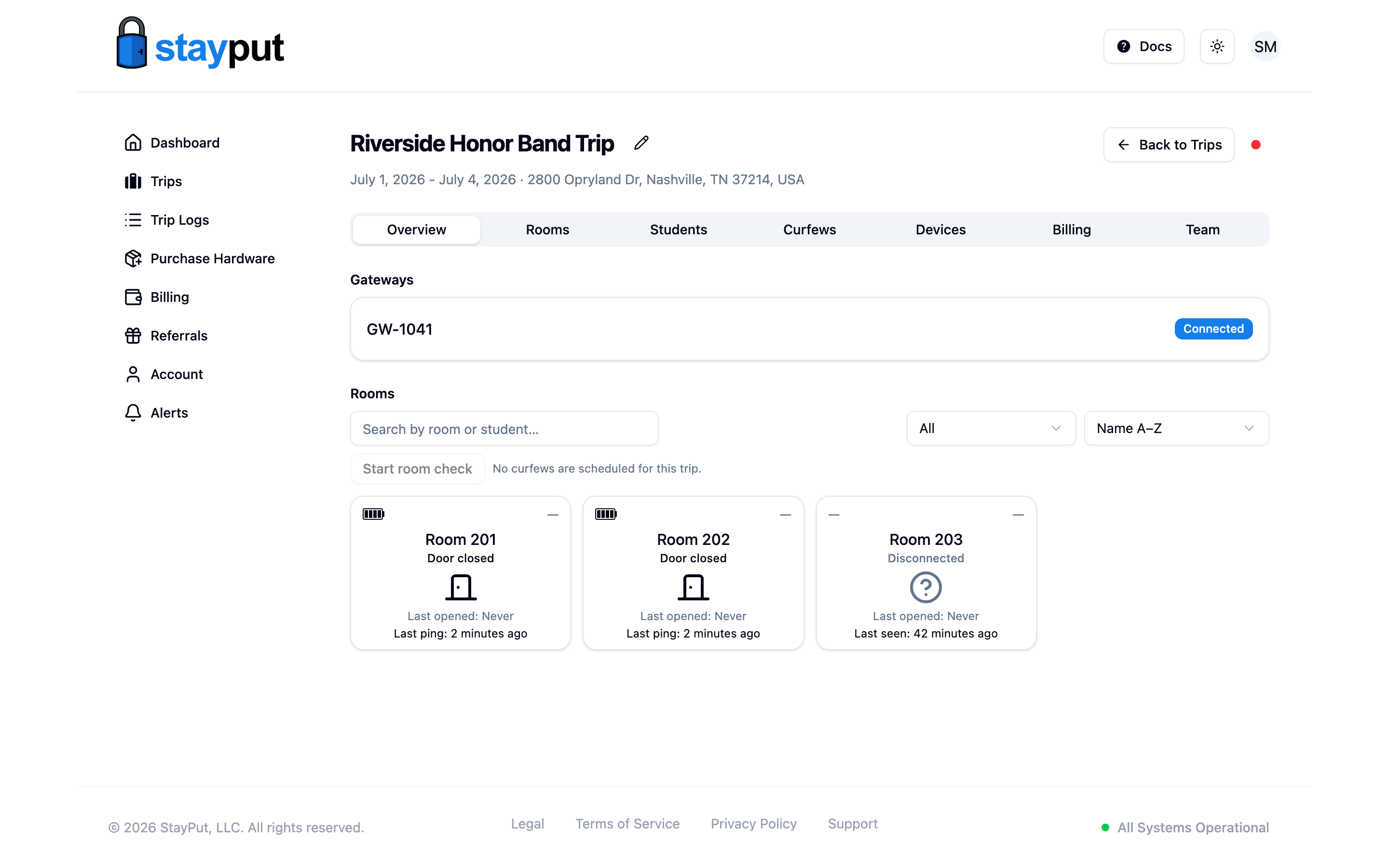
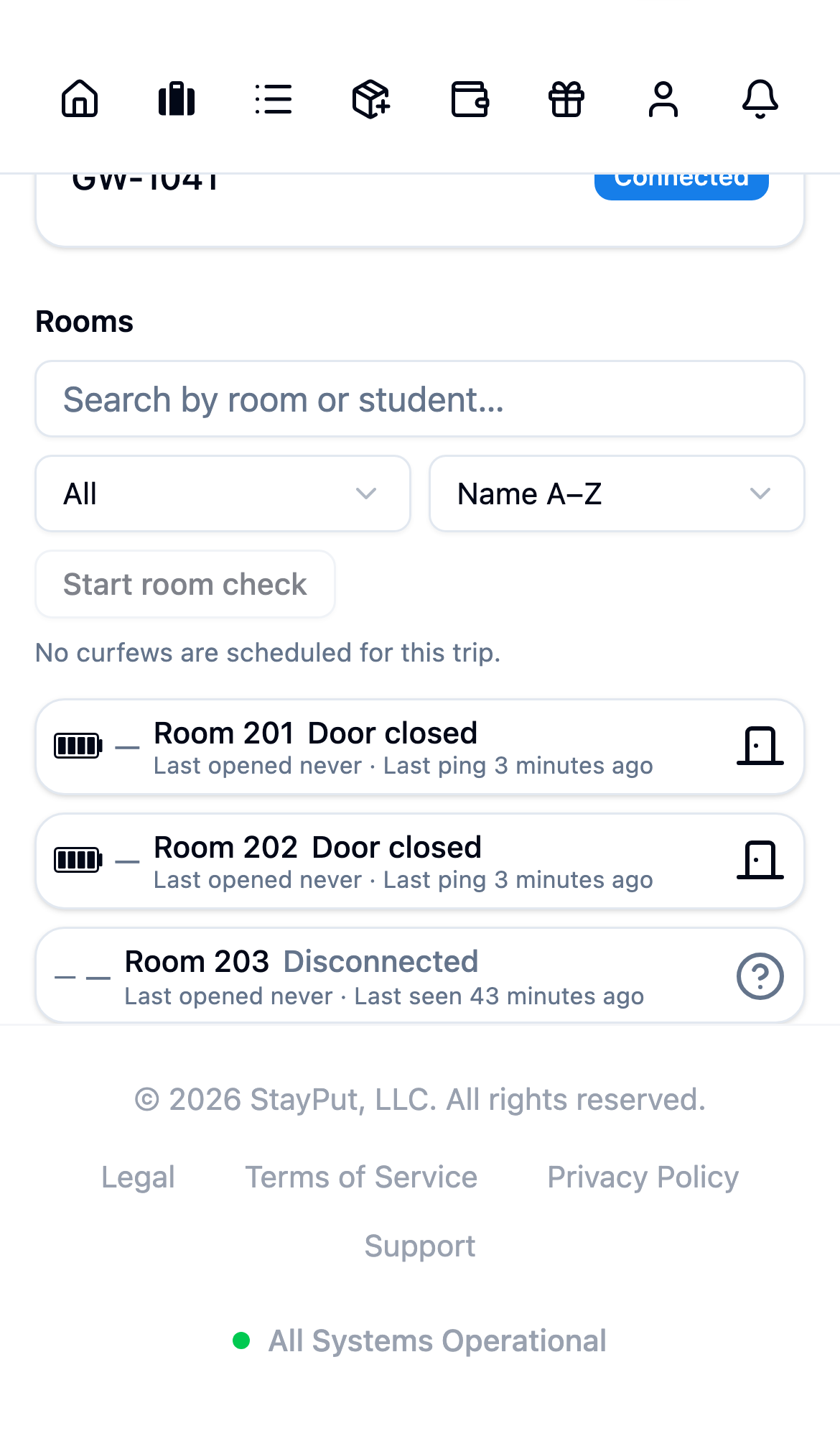
On trip days, the trip’s Overview tab lists each room with its live door status. A correctly installed sensor shows Closed with a recent Last seen time. Open and close the door and confirm the room’s status updates.
Sensors run on a long-life battery, so there’s nothing to charge on-site. Between trips, store them somewhere they won’t be repeatedly opened and closed, and keep the spare adhesive strips with your kit.