How to Add StayPut Contacts to Your Phone
Save StayPut alert numbers as contacts so notifications are easy to identify.
Save StayPut Security’s alert number, support line, and email addresses to your phone’s contacts, so curfew texts and calls show up as “StayPut Security” instead of an unknown number.
This downloads one contact card for StayPut Security itself — the number curfew alerts come from and the number to call for support. It isn’t a way to save other chaperones’ personal numbers.
On your phone, open Account in the dashboard. Below your profile, the StayPut Contact Card section has a Download Contact Card button.
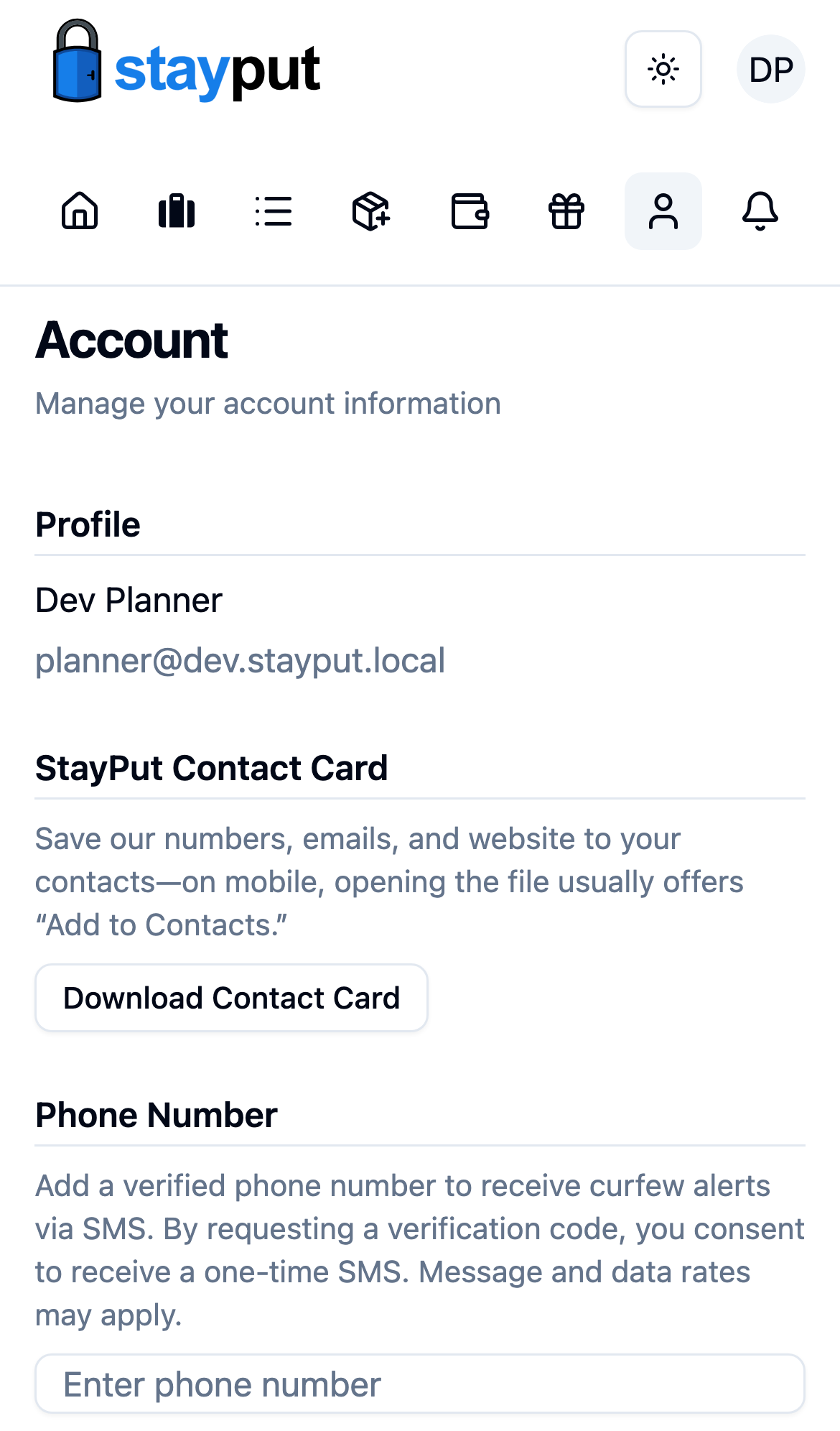
Select Download Contact Card. Your phone downloads a StayPut-Security.vcf file and normally offers an Add to Contacts prompt — accept it to save the card. The card includes:
- Alerts — the number curfew and gateway alert texts come from
- Support — the phone number for StayPut support
- Contact and Support email addresses
- Website — stayputsecurity.com
The StayPut Contact Card section only appears on narrow (phone-width) screens. On a desktop browser, download the same card directly from /account/vcard, then transfer it to your phone or import it into your desktop contacts app.