Setting Up the Gateway
Unbox, power on, and connect a StayPut gateway at your trip property.
The gateway (hub) is the base station that relays door-sensor events to your dashboard. It arrives ready to use — the SIM card is included and pre-activated, so setup is plug-and-play with no pairing steps and no hotel Wi-Fi.
Assign the Gateway to Your Trip
Before or after you arrive, assign the gateway to the trip from the trip’s Hardware tab. See How to Add a Gateway to a Trip.
Pick a Spot
Place the gateway in a central location relative to the rooms you’re monitoring — a chaperone’s room near the middle of the hallway works well. One gateway typically reaches rooms on several floors — in our testing, sensors two floors above and below the gateway stayed connected — and supports up to 200 door sensors. Add a second gateway only for very large or spread-out layouts (separate wings or towers).
Plug It In
Connect the included power adapter and plug the gateway into a wall outlet. Leave it powered for the entire trip. It connects over cellular LTE automatically — there is nothing to configure on-site.
Confirm It’s Connected
On the trip’s Overview tab (available on trip days), the gateway shows an Online badge once it has checked in. See How to Tell if My Gateway Is Connected.
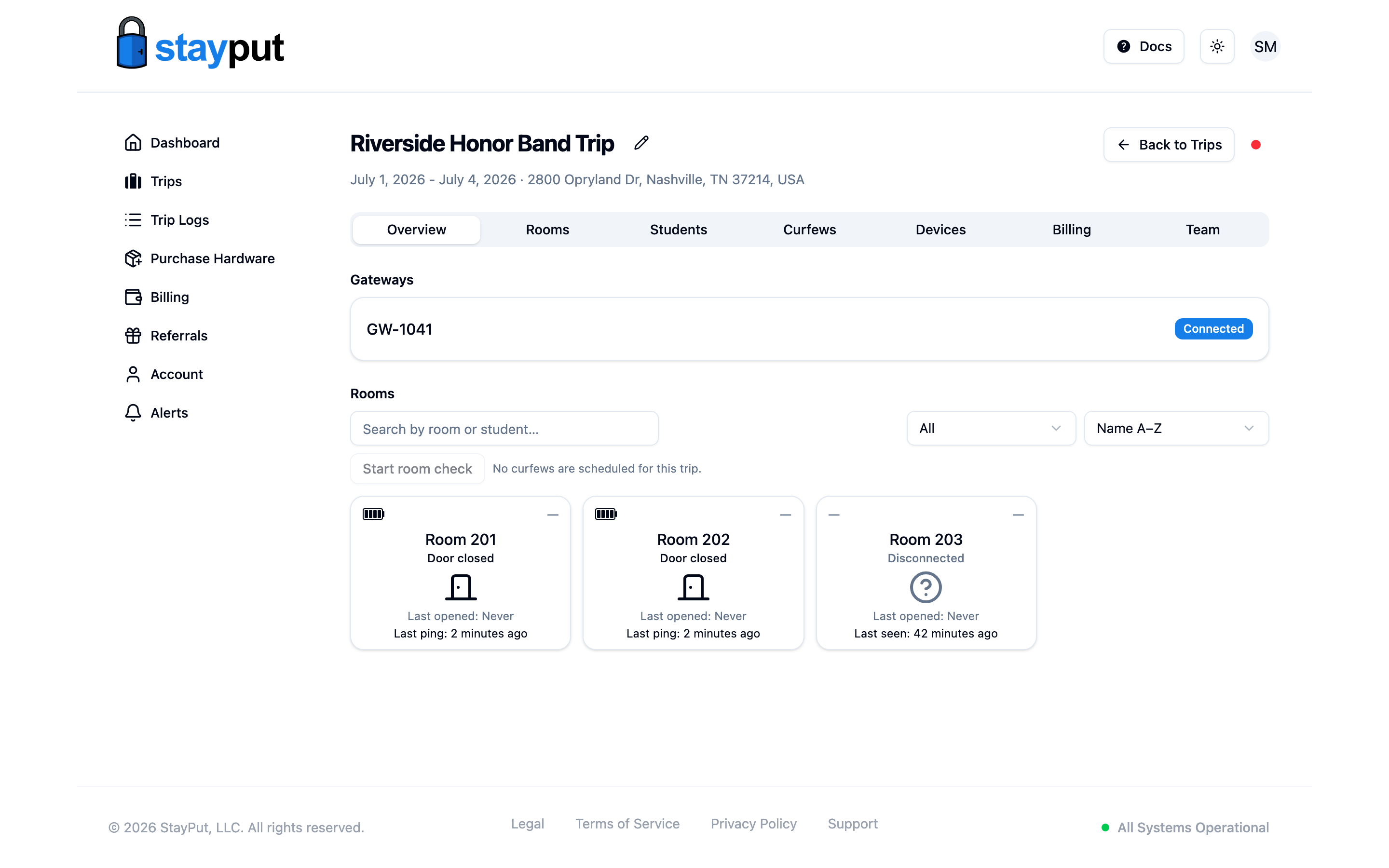
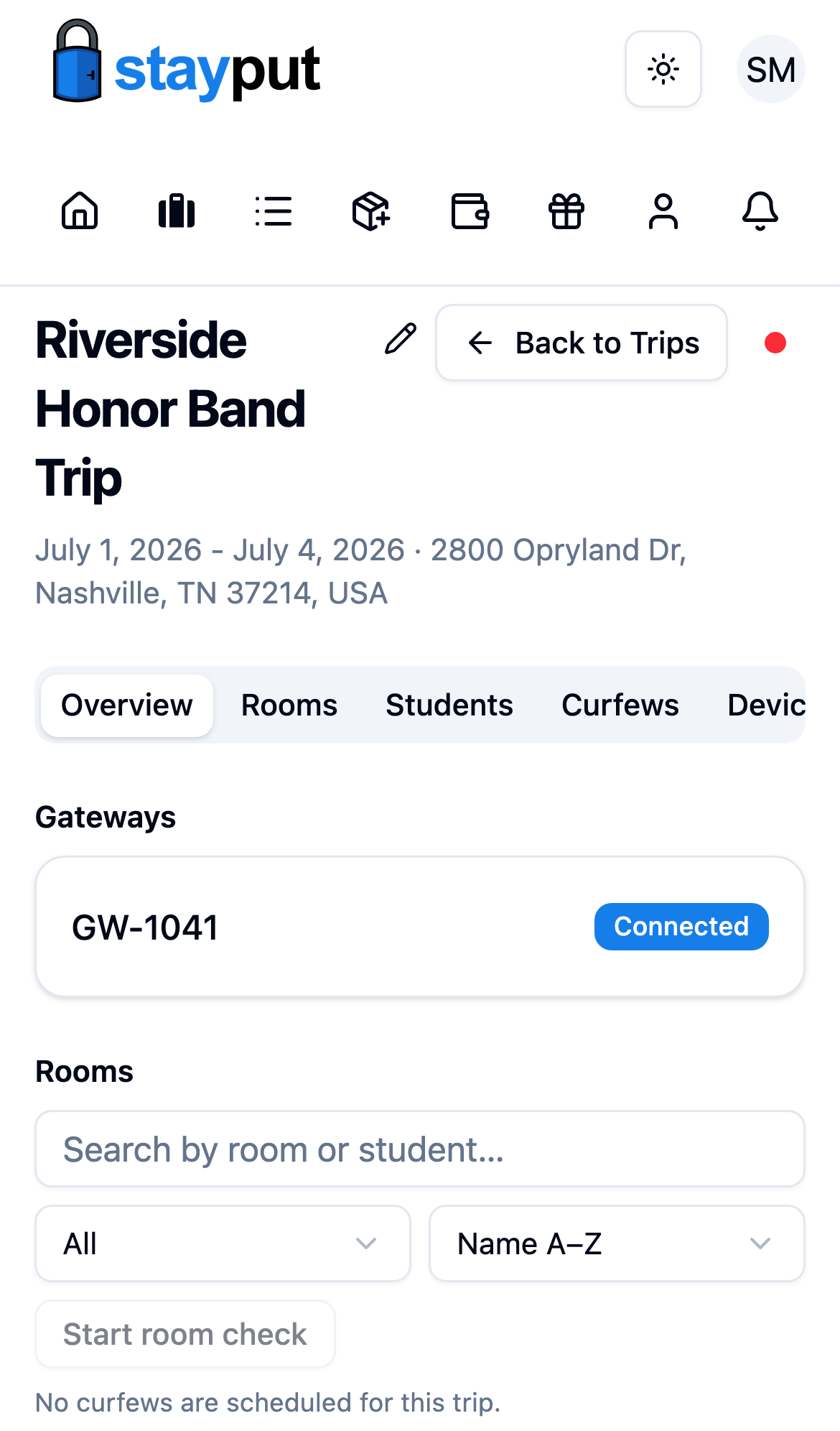
Plug in the gateway before mounting door sensors. Sensors report through the gateway, so having it online first lets you verify each sensor as you install it.