How to Pay with a Credit Card
Pay for hardware and services using a credit card.
Pay a quote or invoice by card through StayPut’s secure checkout. StayPut never stores your card details — payment is processed by Stripe.
Open Billing
From the dashboard, select Billing. Unpaid quotes and invoices appear at the top under Needs Payment.
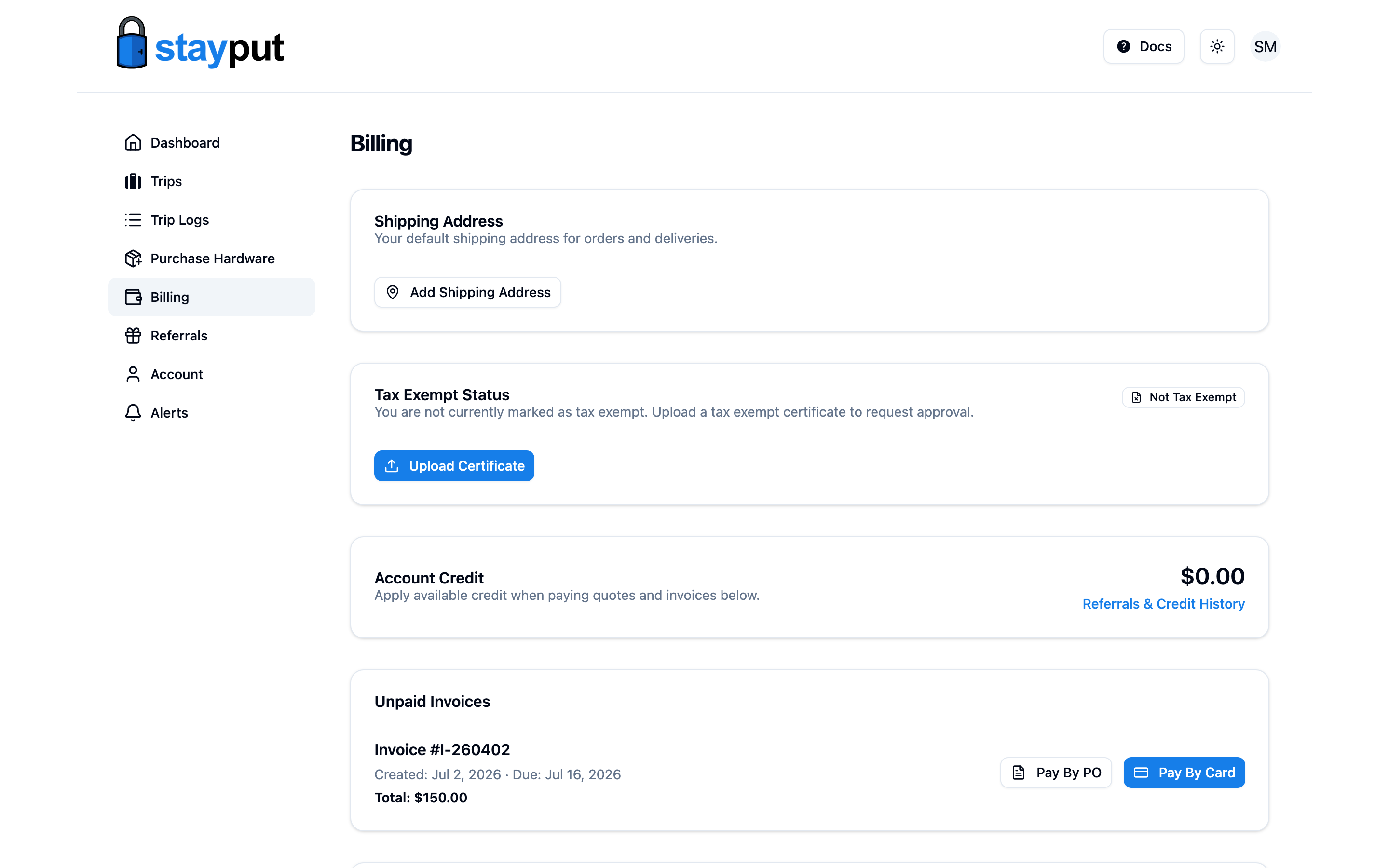
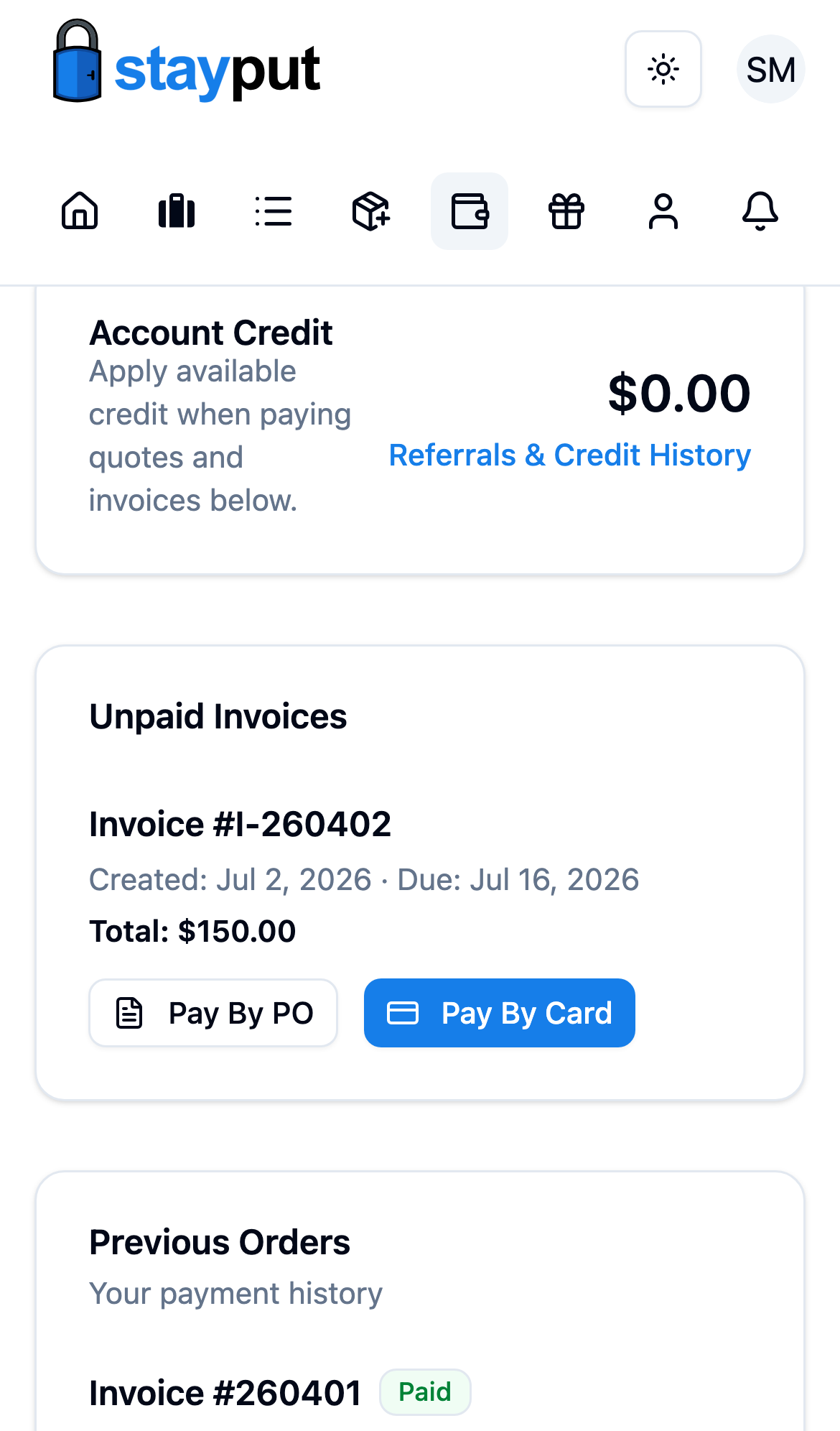
Click Pay by Card
Find the invoice you want to pay and select Pay by Card. If the invoice is still a quote, select Convert to Invoice first — only invoices can be paid.
Complete the Checkout
StayPut opens a secure checkout page. Enter your card details and confirm the payment.
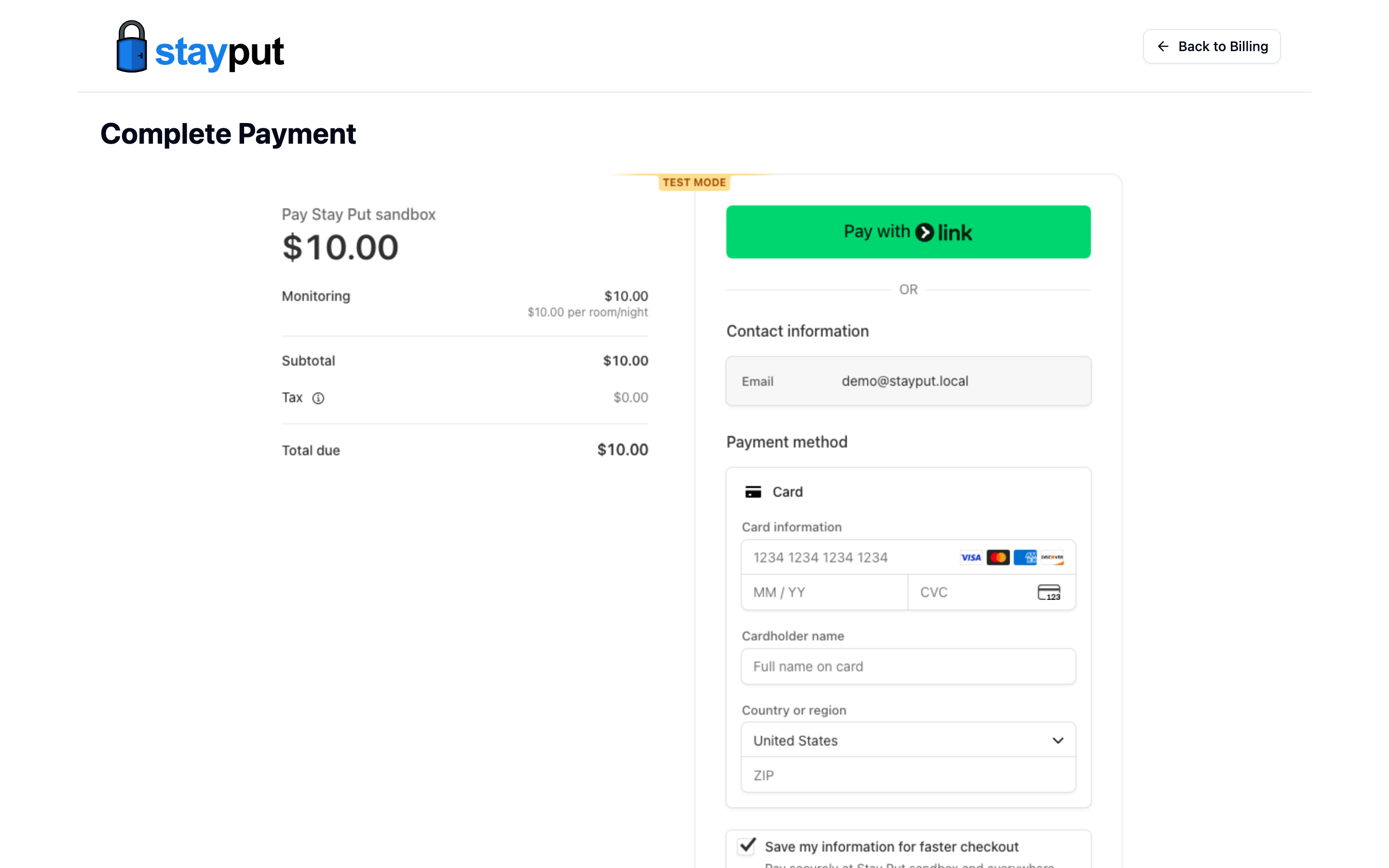
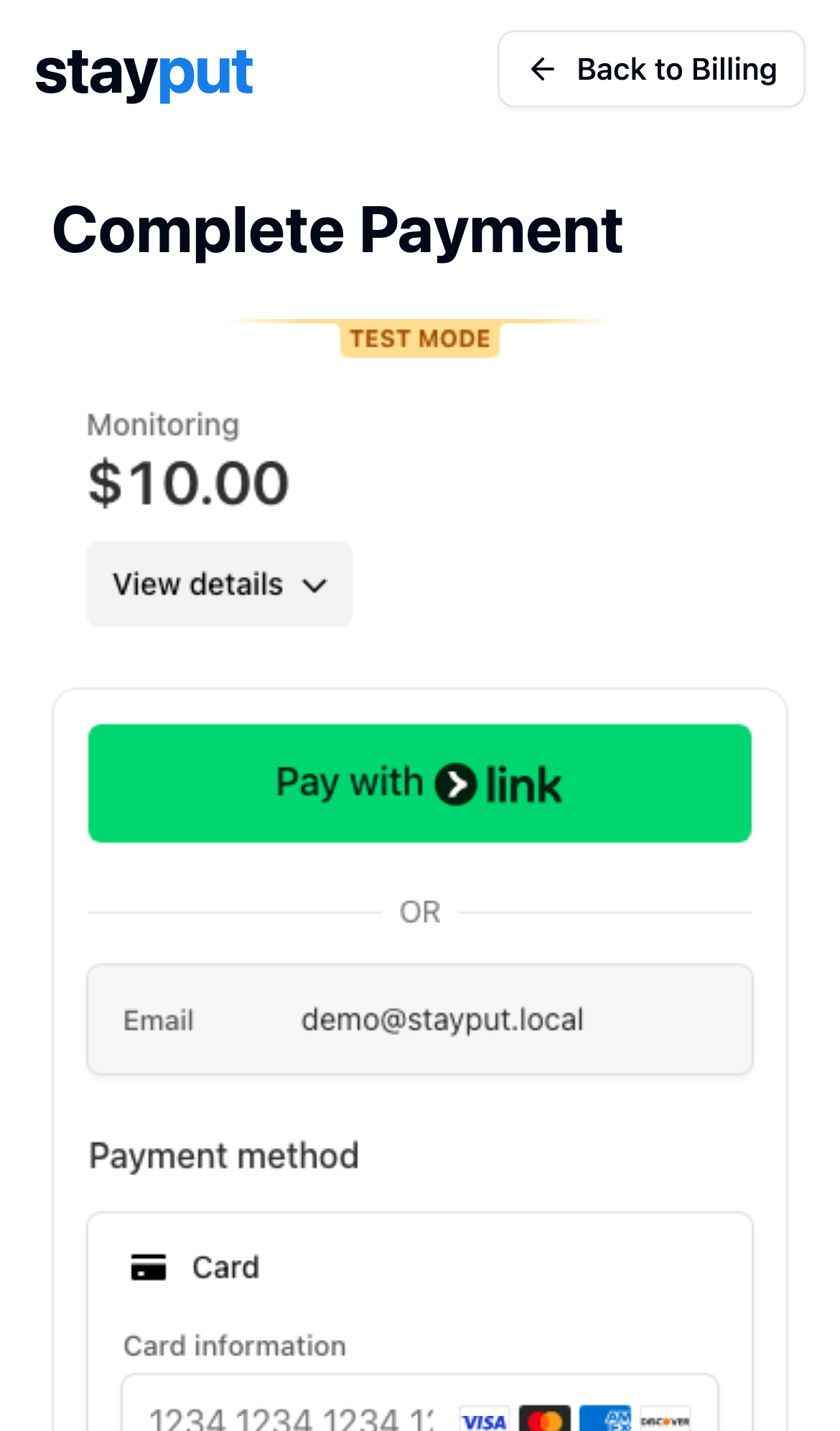
Confirm Payment
Once the payment succeeds, you’re returned to Billing. The invoice moves from Needs Payment to History, and a receipt becomes available for download.
If you have referral or account credit available, apply it on the quote before converting it to an invoice. Account Credit under Billing Details shows your current balance.
If your organization has an approved tax exempt certificate on file, tax is calculated automatically at checkout. See Add Tax Exemption to submit a certificate.
Related
- Pay with a Purchase Order — for schools, districts, and booster clubs that pay by PO instead of card.
- Add a Shipping Address — required before ordering hardware.