Editing Trip Details
Update trip name, dates, property address, and other trip settings.
1 min read
Update a trip’s name, address, or dates any time before the trip starts.
Who Can Do This
Only the trip owner or a planner can edit trip details, and only before the trip’s departure date has passed.
Open the Trip
Go to Trips and select the trip you want to update.
Select Edit Trip
Select the … (Trip Actions) menu at the top right of the trip page, then choose Edit Trip.
Update the Details
Change the Trip Name, Address, or Date Range as needed. Save Changes stays disabled until you’ve actually changed something.
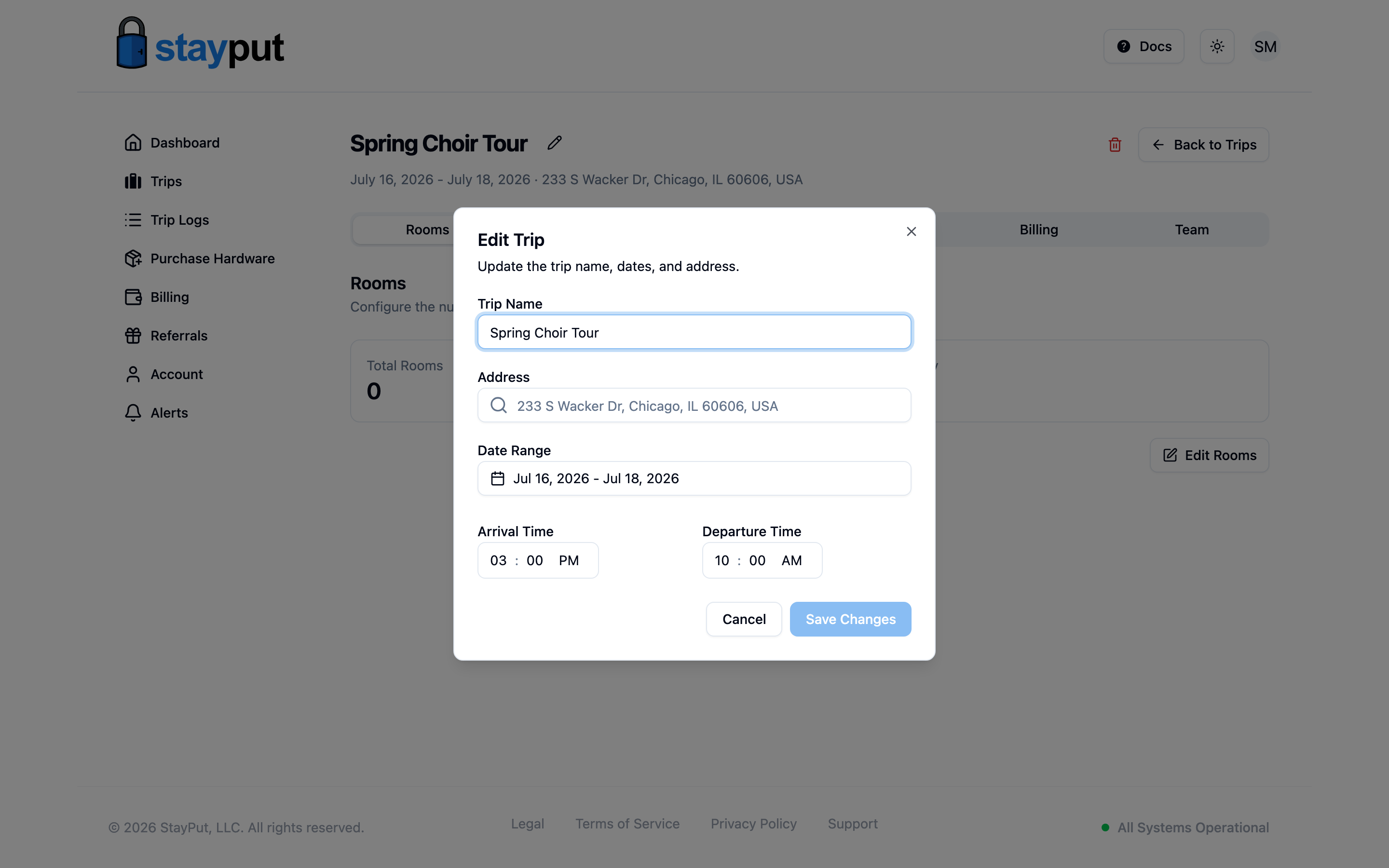
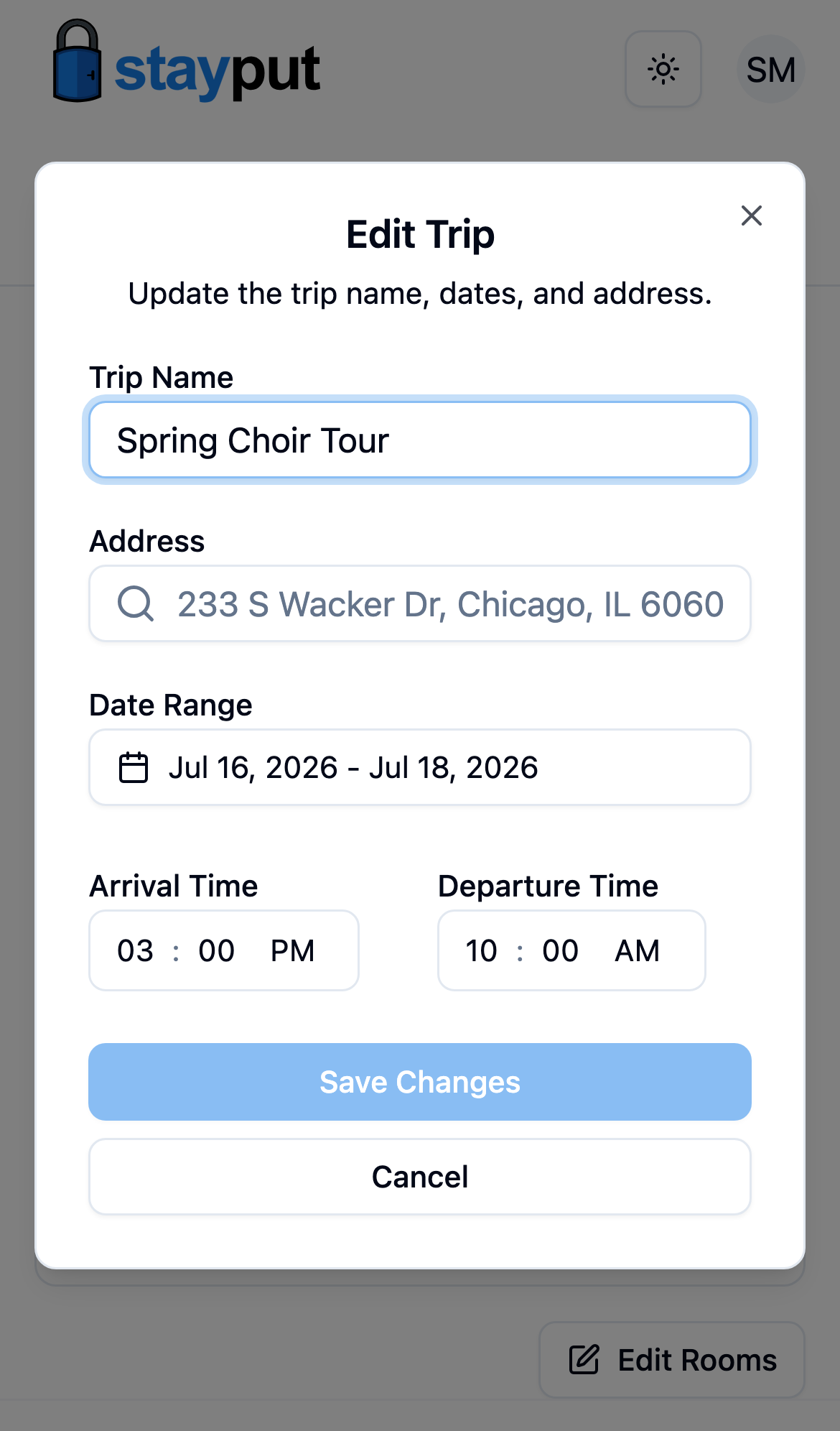
Save
Select Save Changes.
Locked After Payment
Once a trip’s invoice is paid or a purchase order is submitted, its address, dates, and room count are locked (shown with a lock icon) because they drive billing and hardware assignment. The trip name stays editable.