Create an Account
Sign up for StayPut and prepare your organization for its first trip.
Create a StayPut account to set up trips, hardware, and chaperone alerts for your organization.
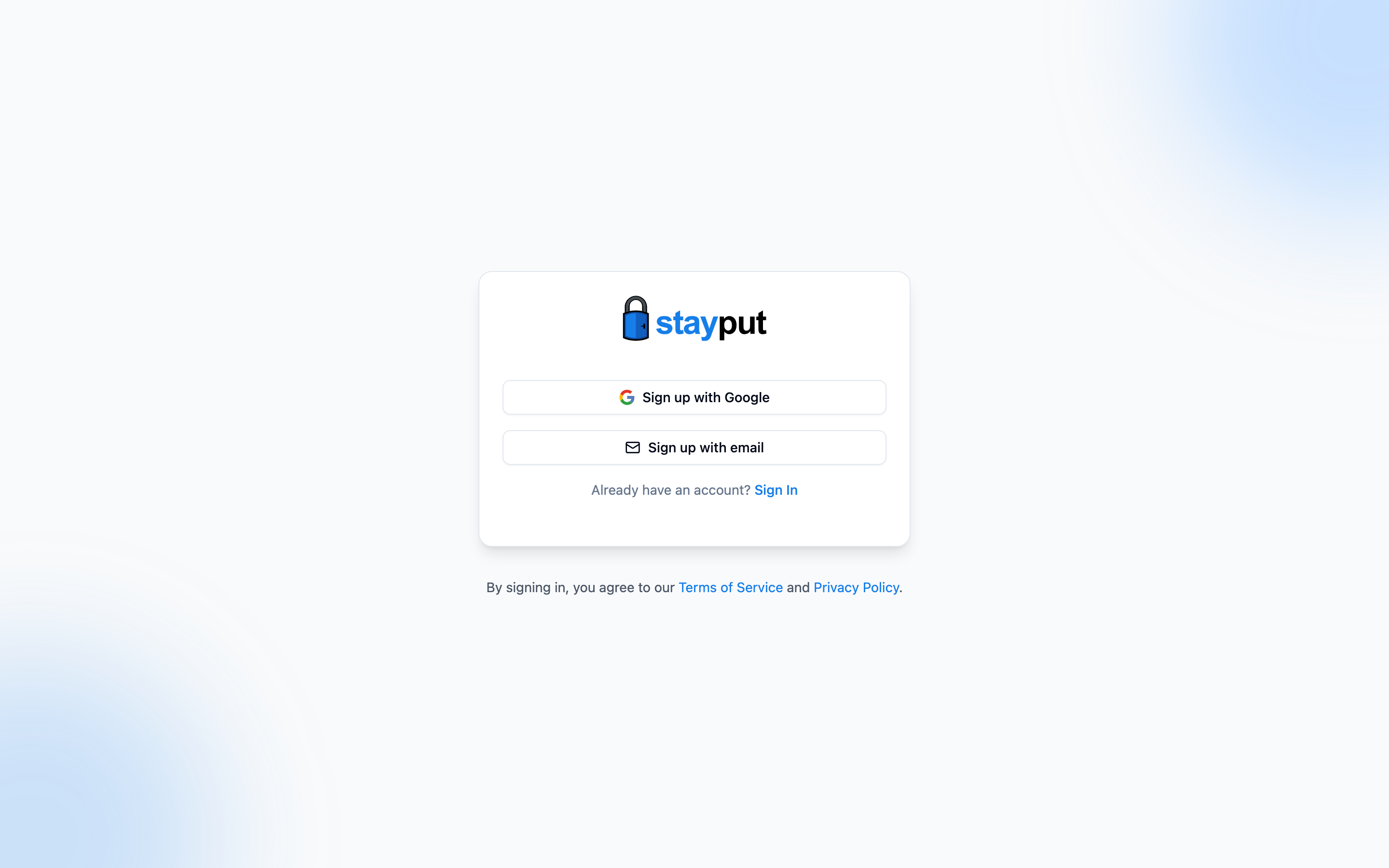
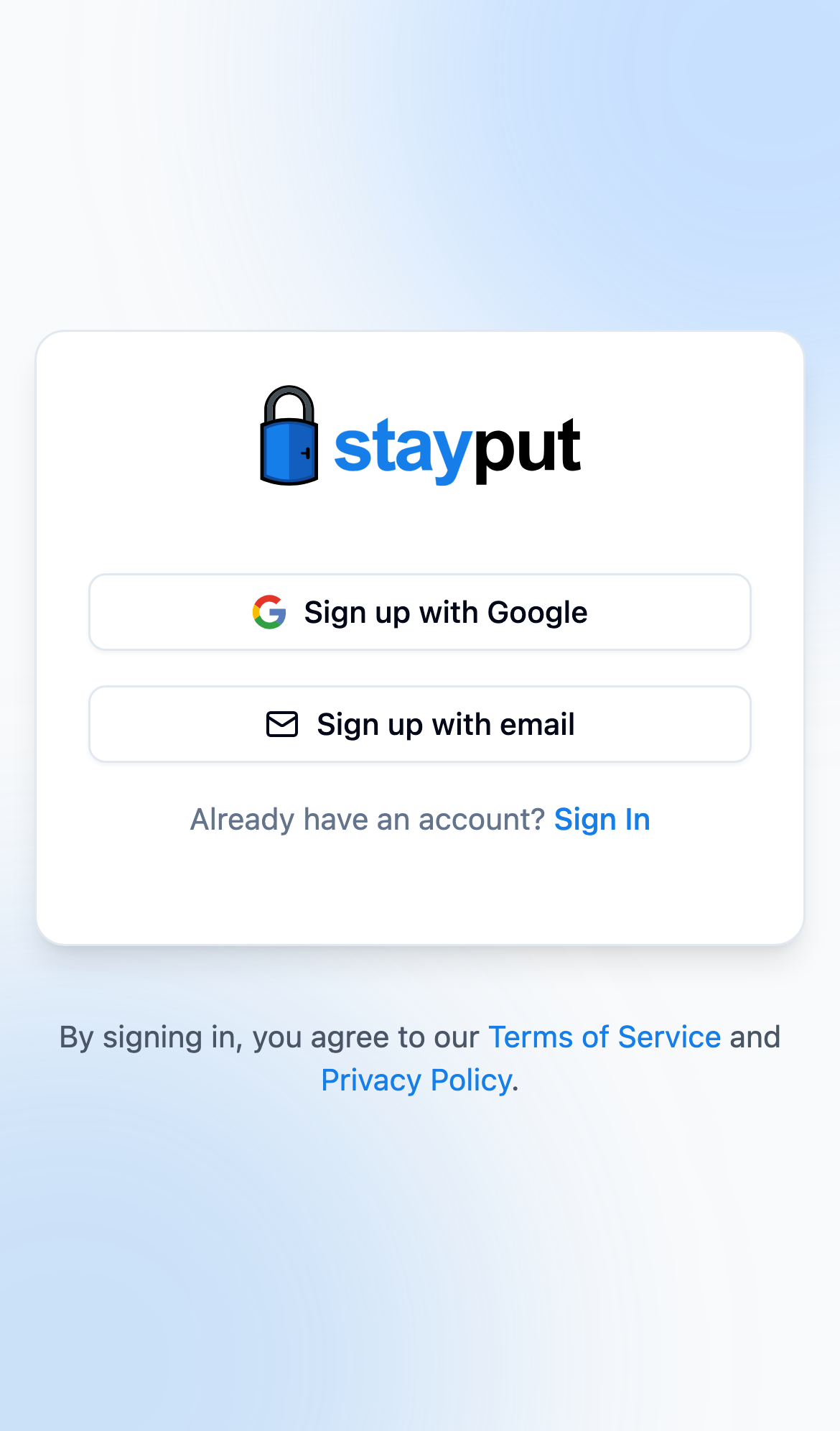
Go to the Sign-Up Page
Open the sign-up page. Choose Sign up with Apple or Sign up with Google to continue with an existing account, or Sign up with email to create a password-based account.
Fill In Your Details
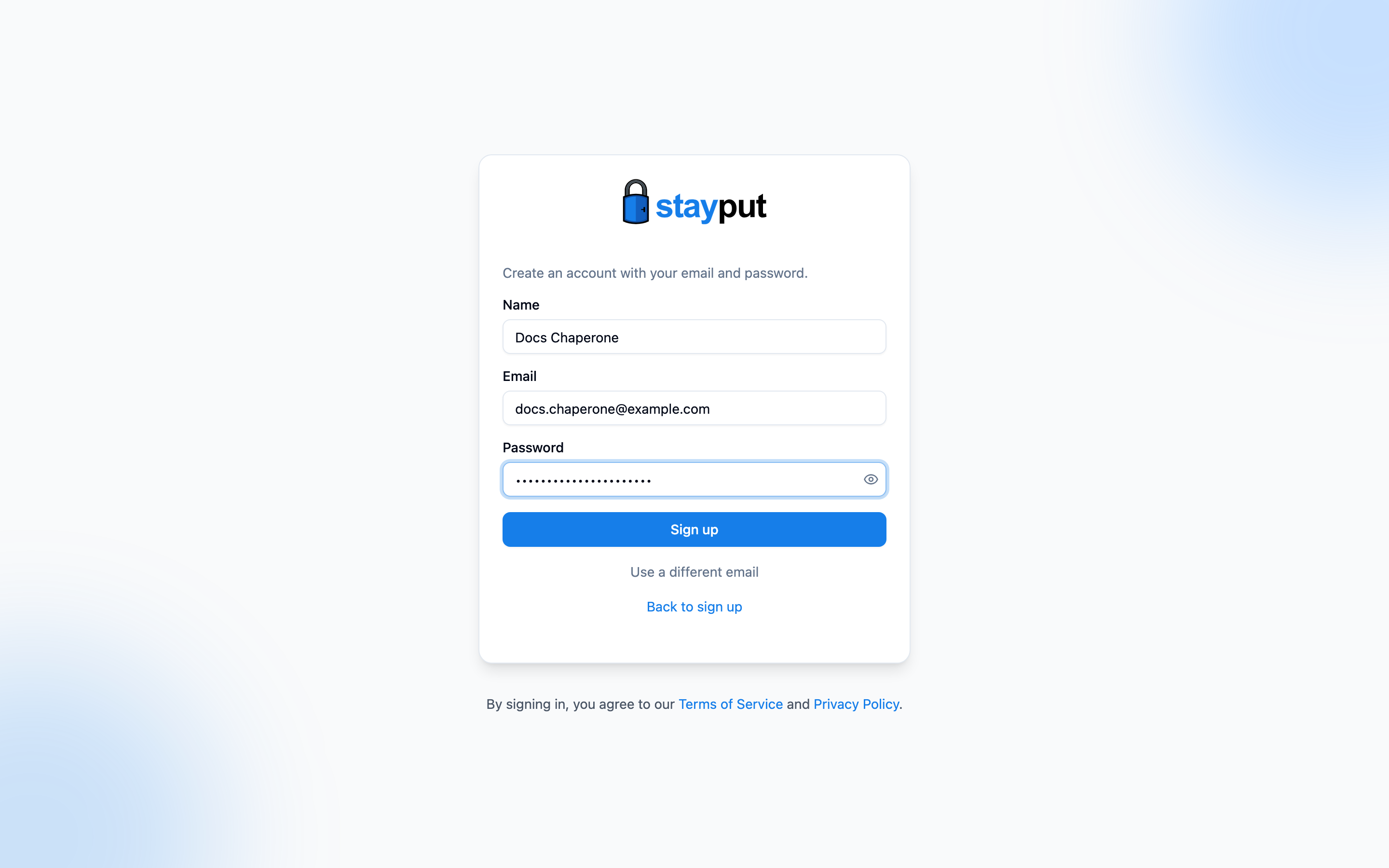
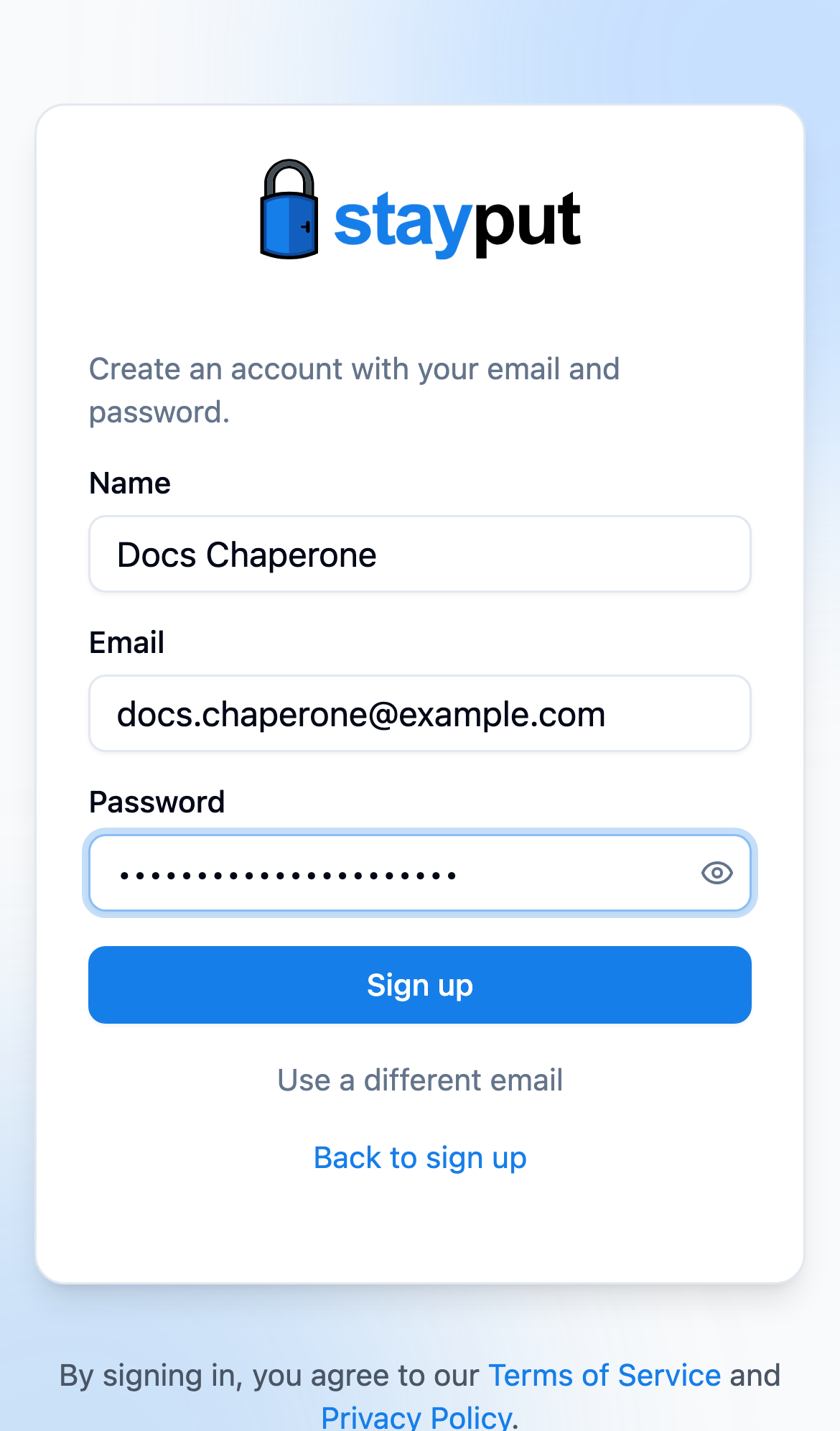
On the email sign-up page, enter your Name and Email, choose a Password of at least 8 characters, then select Sign Up.
Verify Your Email
StayPut emails you a 6-digit code. Enter it and select Verify — you’re signed in and taken to your dashboard. From there, go to Trips to create your first trip, or Account to add a phone number for SMS alerts.
If a trip planner sent you a chaperone invite link, open that link first — it carries you through sign-up and adds you to the trip automatically.
If the email already has an account, no code is sent. On the code screen, select Sign in, or email me a link to set a password if the account was created with Google or a phone number.