How to Delete Your Account
Permanently delete your StayPut account and associated data.
Permanently remove your StayPut account and its data.
Deleting your account removes your profile, notification preferences, and access to any trips you were part of. If you’re a trip planner, consider whether other chaperones still need access before you delete your account.
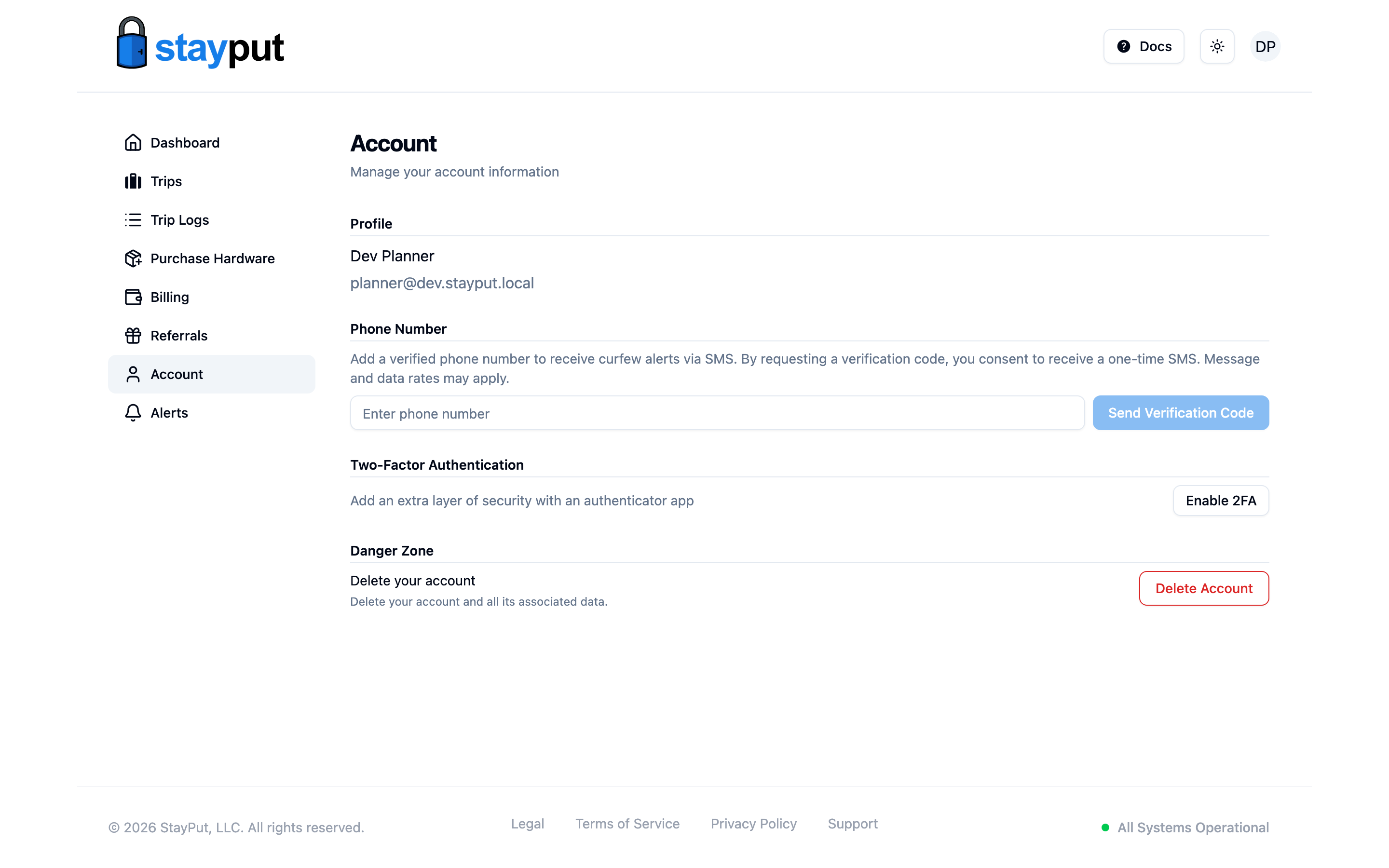
Open Your Account Page
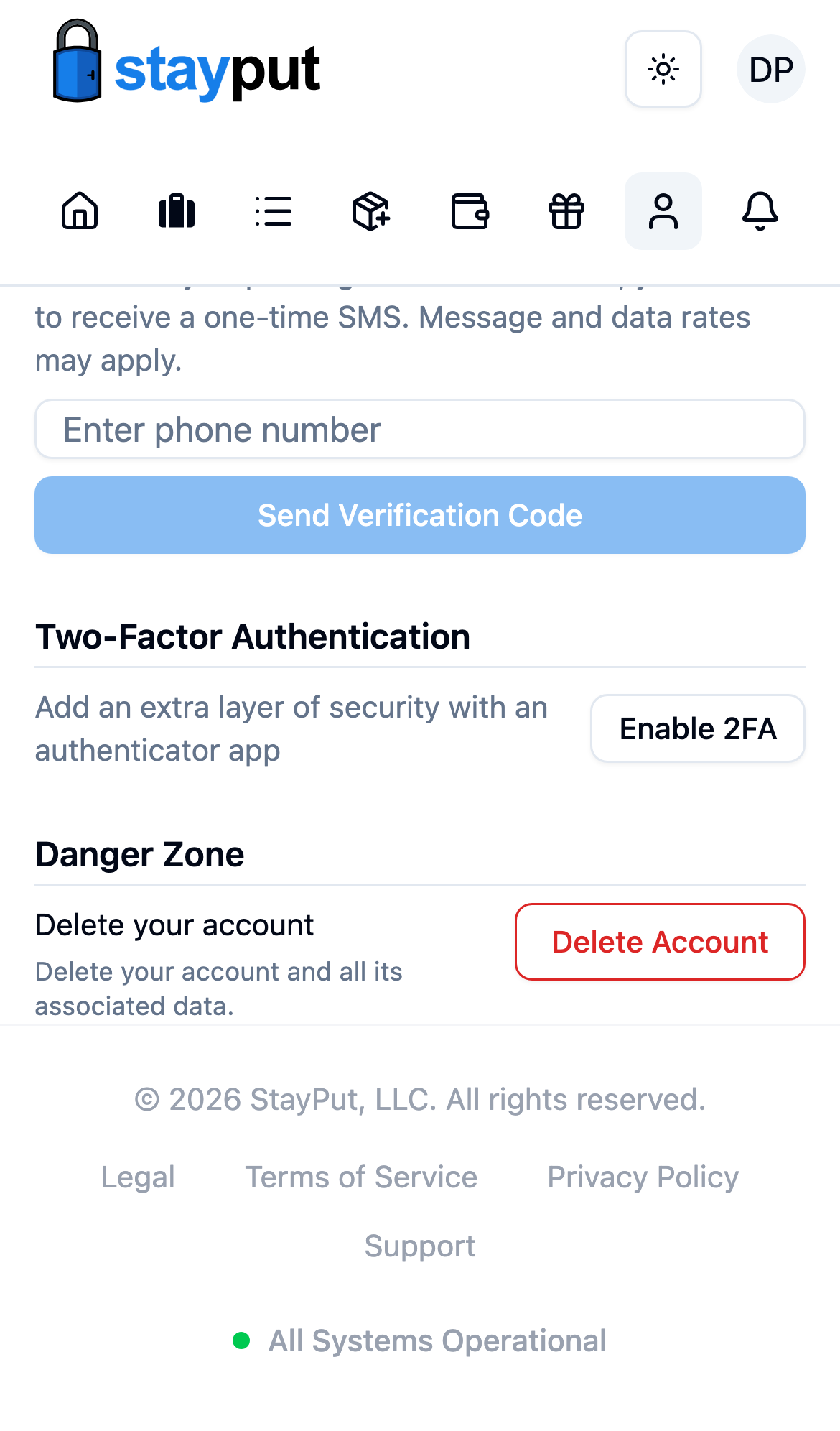
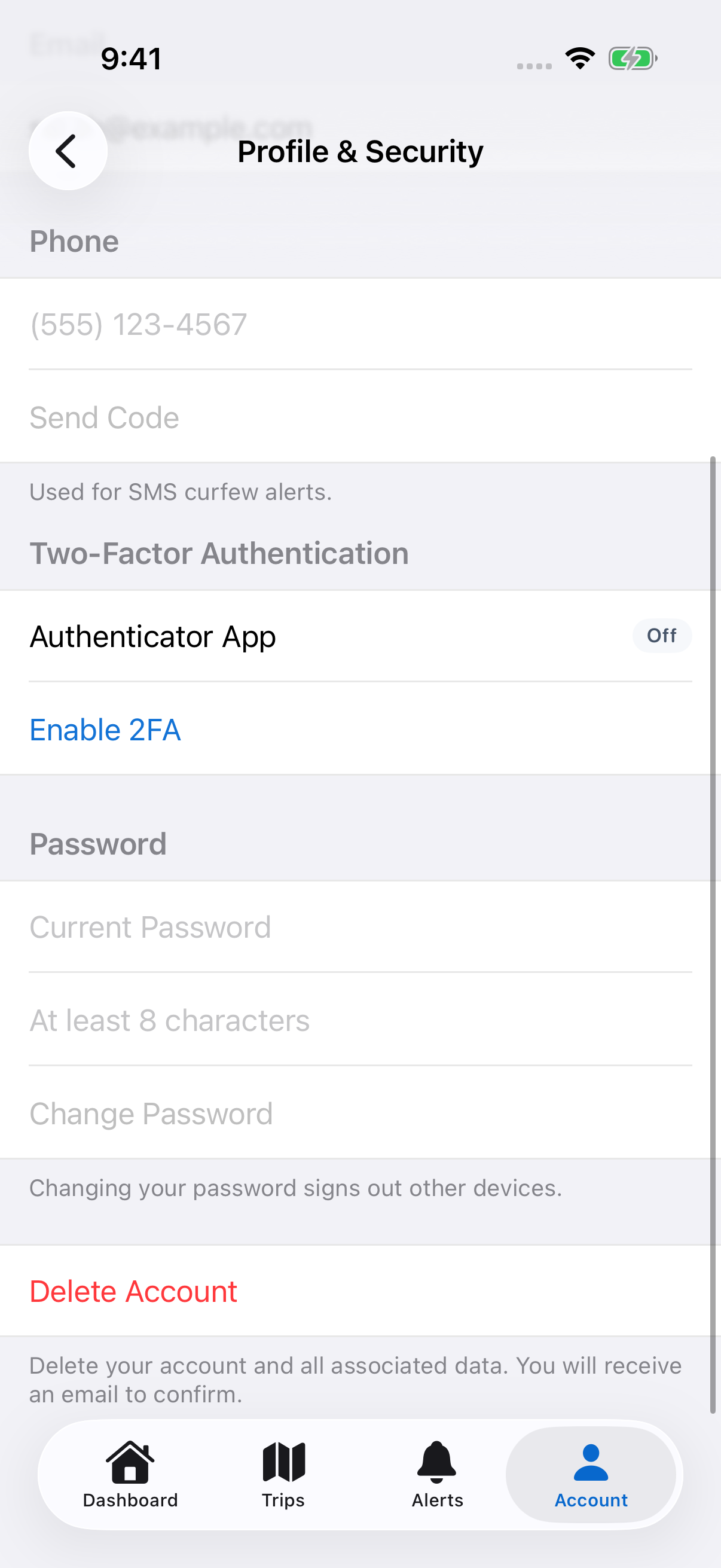
Sign in and select Account in the sidebar, then scroll to the Danger Zone section.
Select Delete Account
Select Delete Account. StayPut doesn’t delete anything yet — it sends a confirmation email to your address on file.
Confirm from Your Email
Open the email and select the confirmation link. This is the step that actually deletes your account and data.
You’re Signed Out
After confirming, you land on an “Account Deleted” confirmation page and are signed out everywhere.
If you select Delete Account but never open the confirmation email, your account stays exactly as it was — nothing is deleted until you confirm by email.