How to Add Tax Exemption
Submit tax exemption documentation for your organization.
If your school or organization is tax exempt, upload your certificate for review. Approval is manual — a StayPut admin reviews each certificate before your account is marked tax exempt.
Open Billing
From the dashboard, select Billing. Under Billing Details, Sales Tax shows your current status: Not Tax Exempt, Pending Approval, Tax Exempt, or Certificate Rejected.
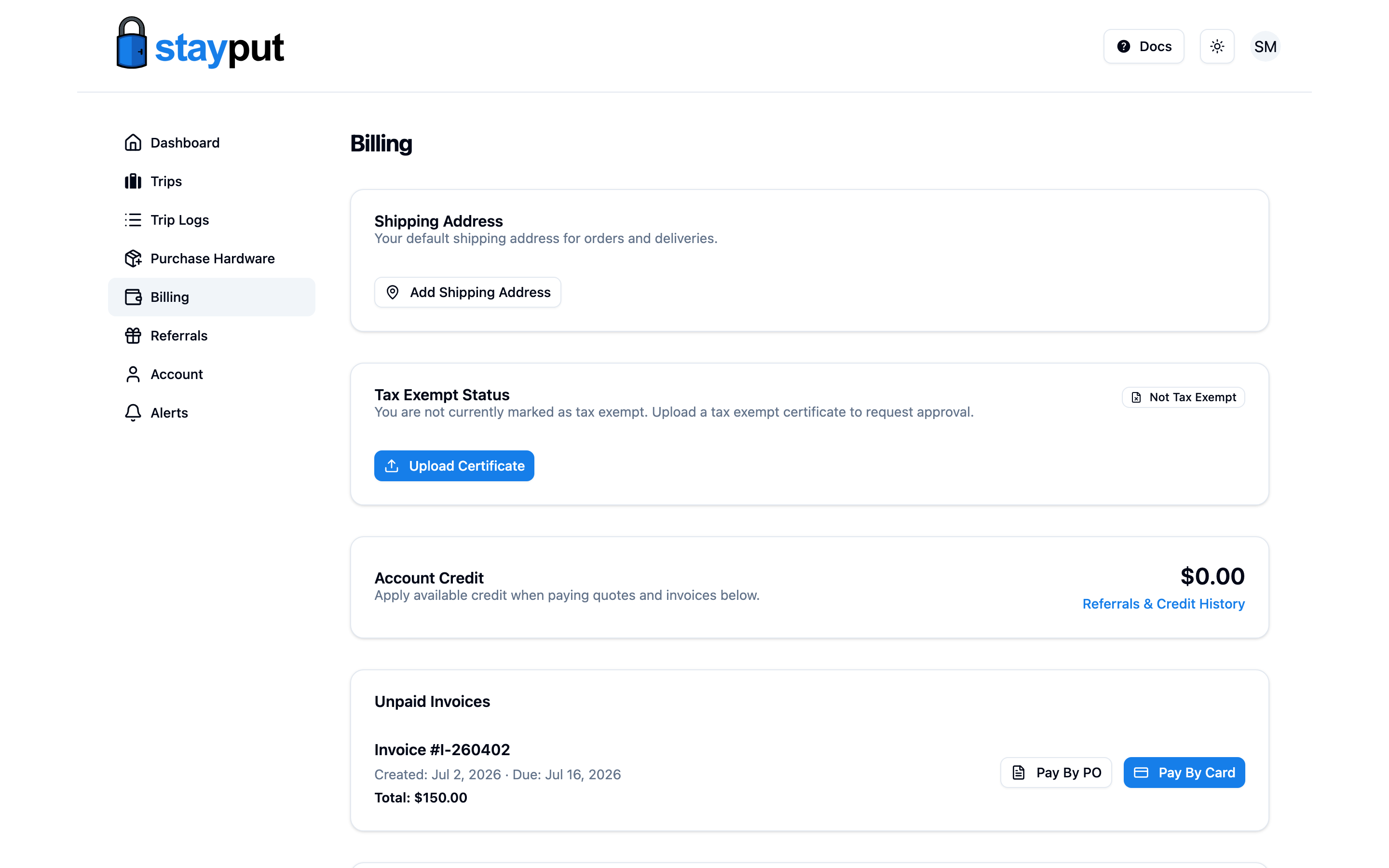
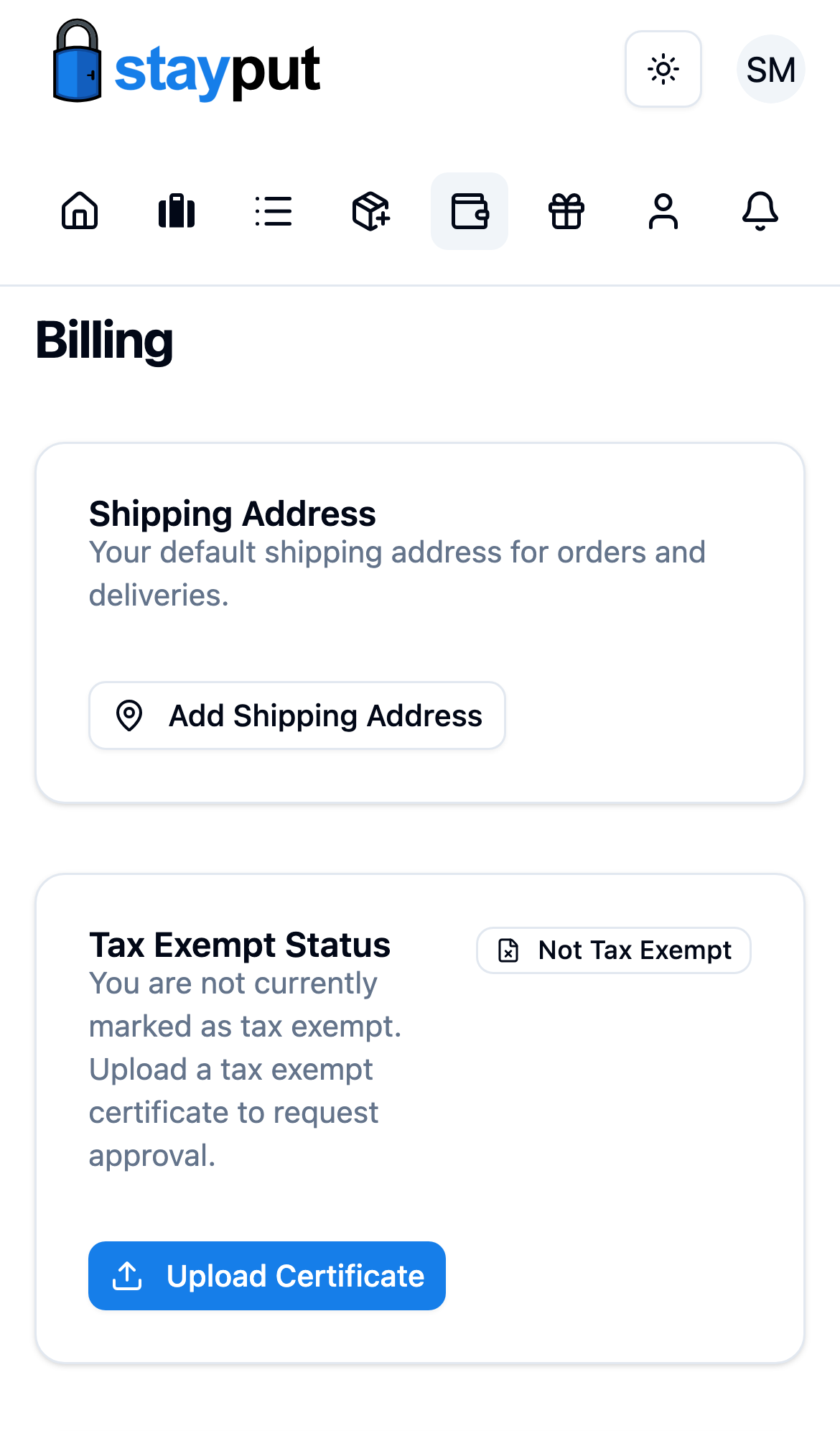
Upload Your Certificate
Select Upload Certificate to open the Tax Exempt Certificate dialog, then drag in your certificate or click to choose a file. Only PDF files up to 10 MB are accepted.
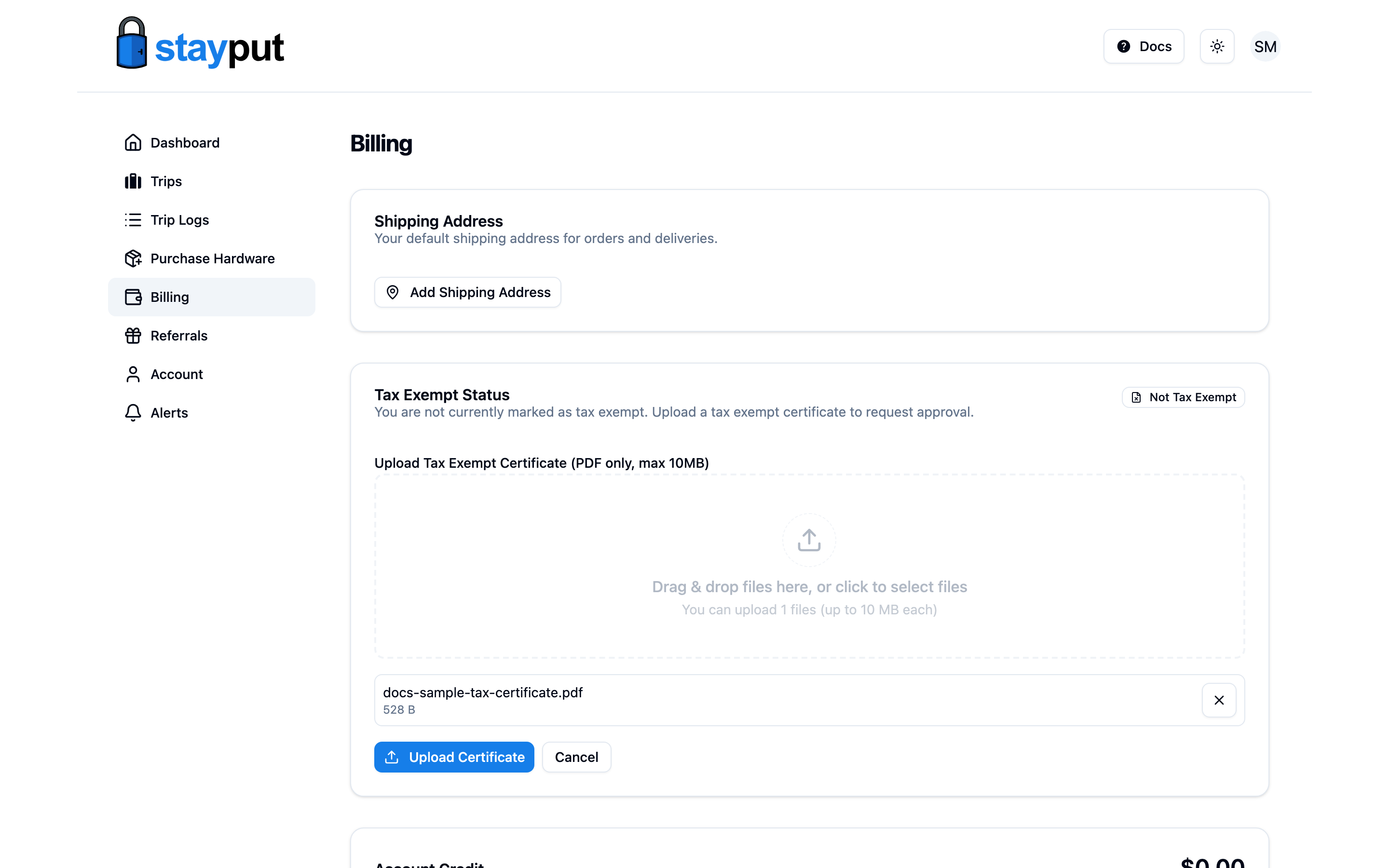
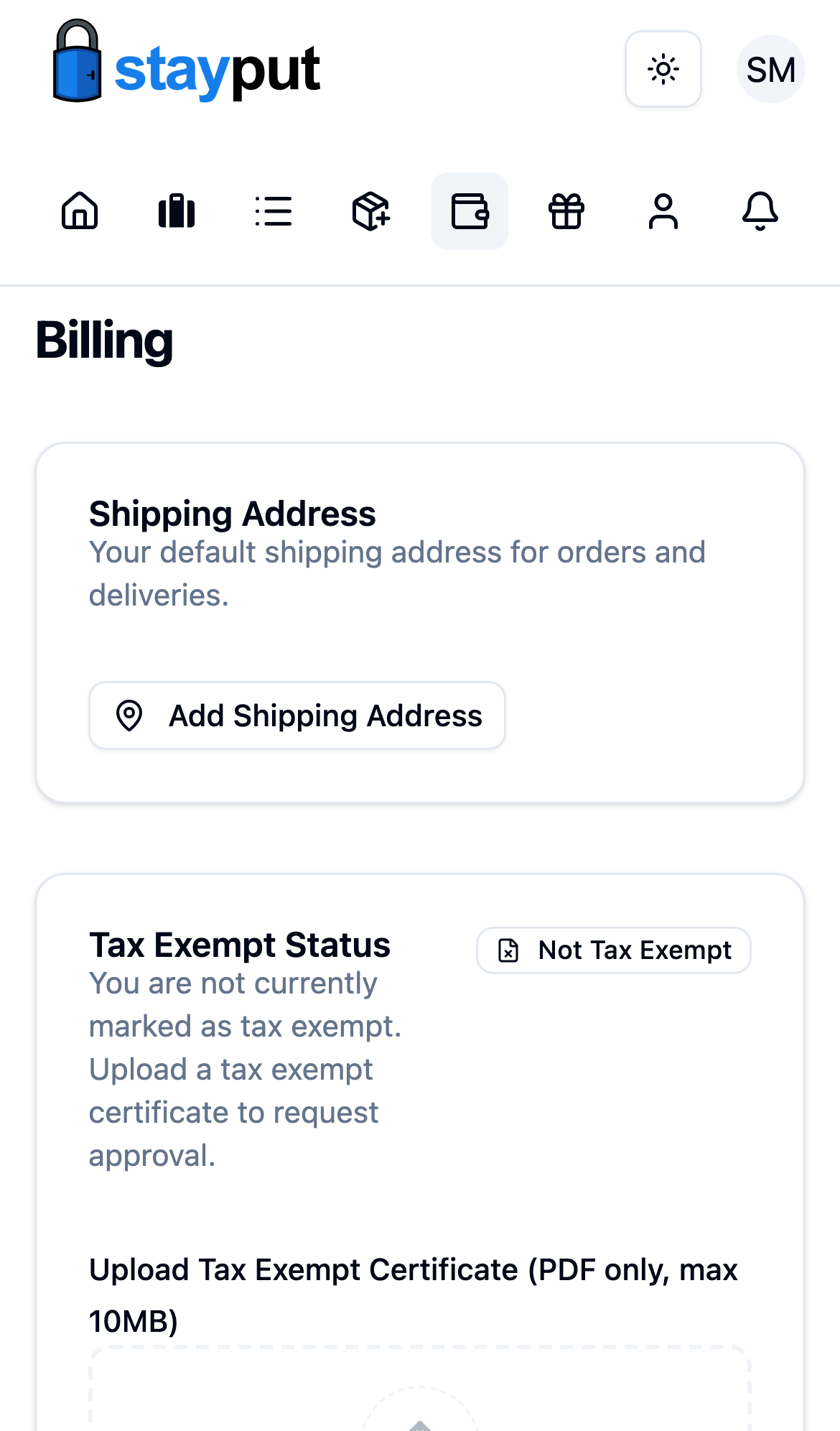
Submit and Wait for Review
Select Upload Certificate in the dialog to submit. Your status changes to Pending Approval until an admin reviews it.
If you already have an approved certificate and upload a new one, your status resets to pending and your old certificate is deleted. You’ll be charged tax on new purchases until the replacement is approved.
StayPut shows the rejection reason on this page. Fix the issue and upload a new certificate to try again.