How to Add a Shipping Address
Add or update the shipping address used for hardware orders.
1 min read
Set a default shipping address for your hub and door sensor orders. StayPut also uses this address to calculate sales tax on quotes.
Open Billing
From the dashboard, select Billing. Shipping Address is in the Billing Details section at the bottom of the page.
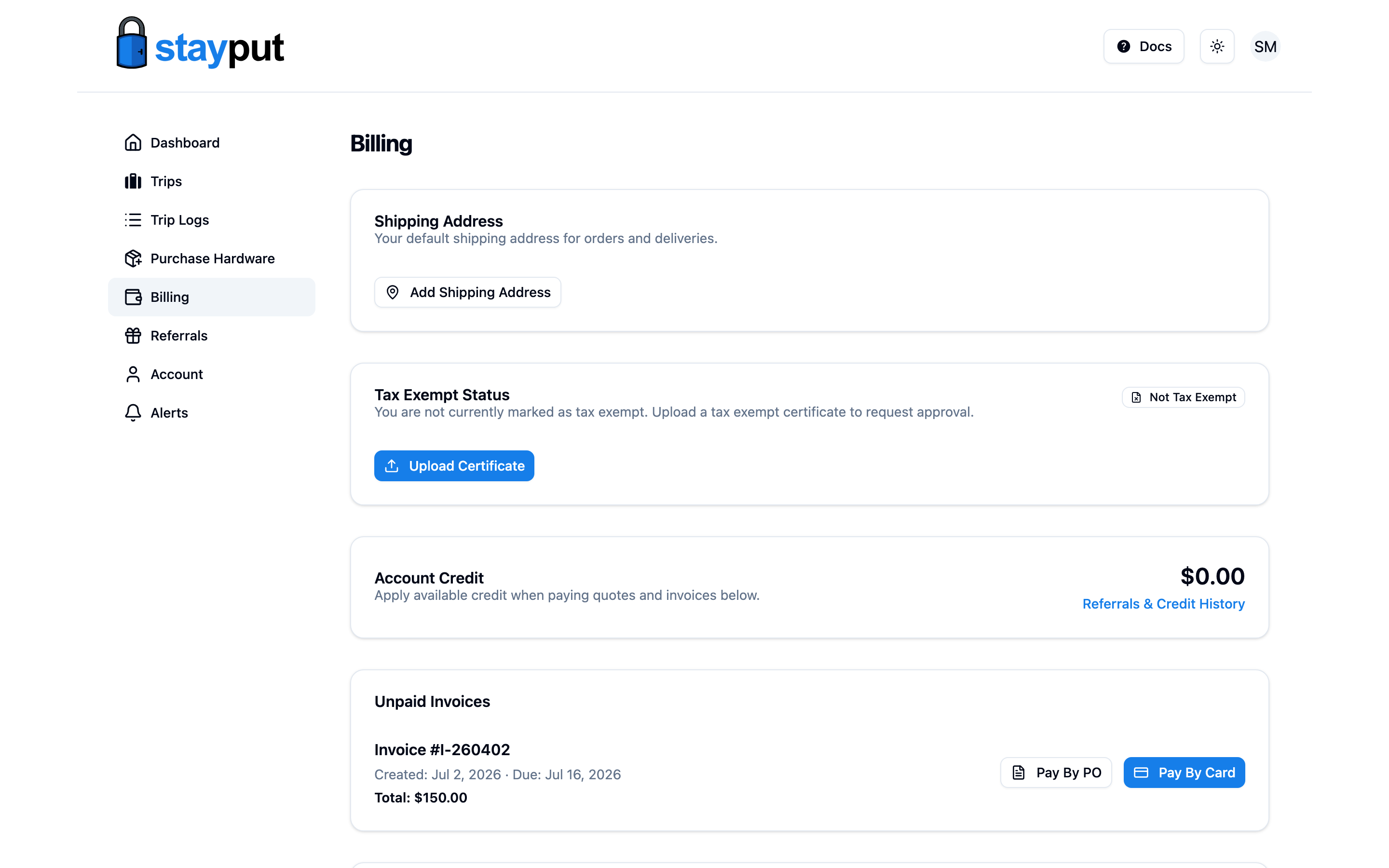
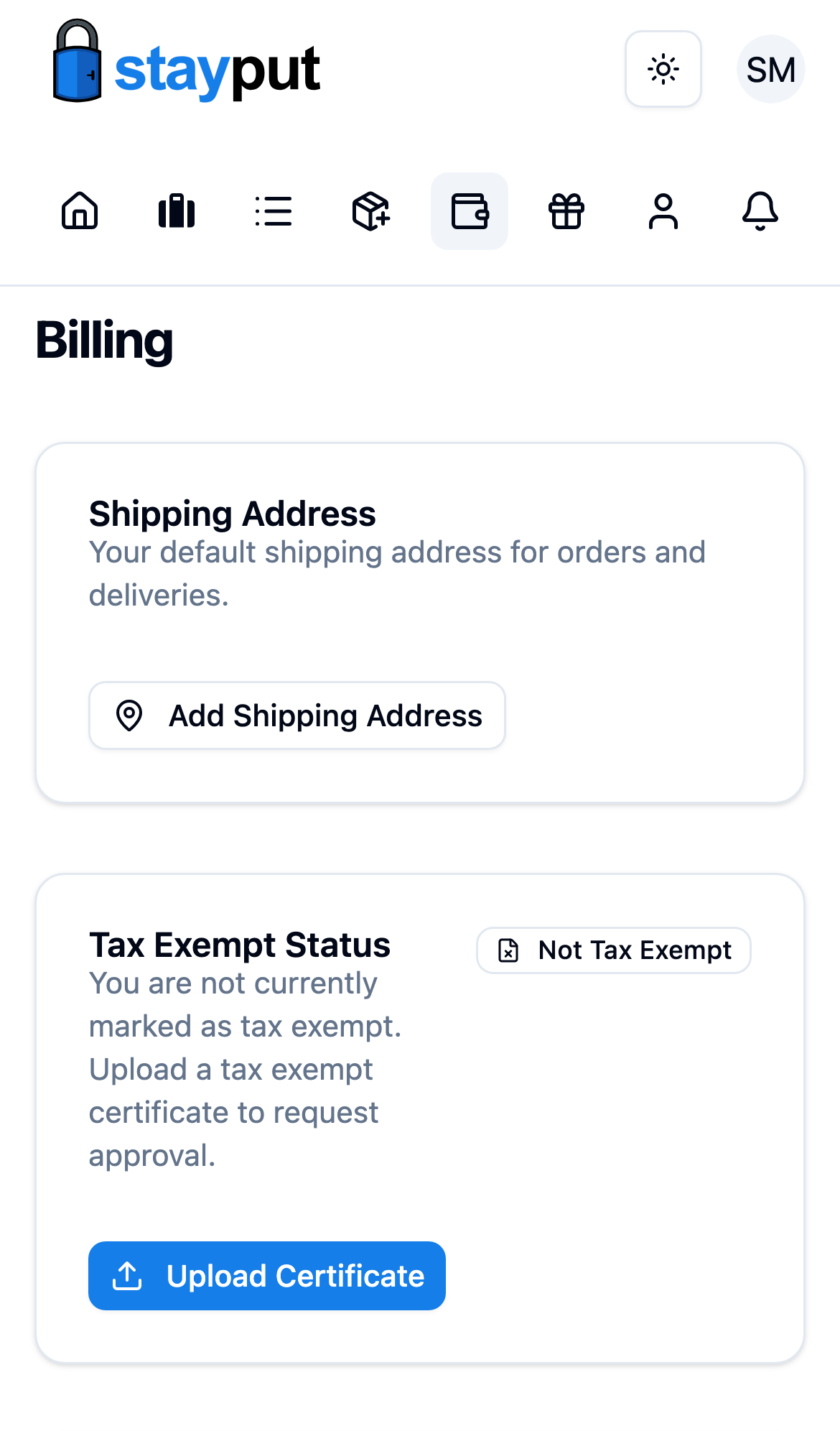
Add or Edit Your Address
Select Add Shipping Address (or Edit if one is already on file), then fill in the address fields.
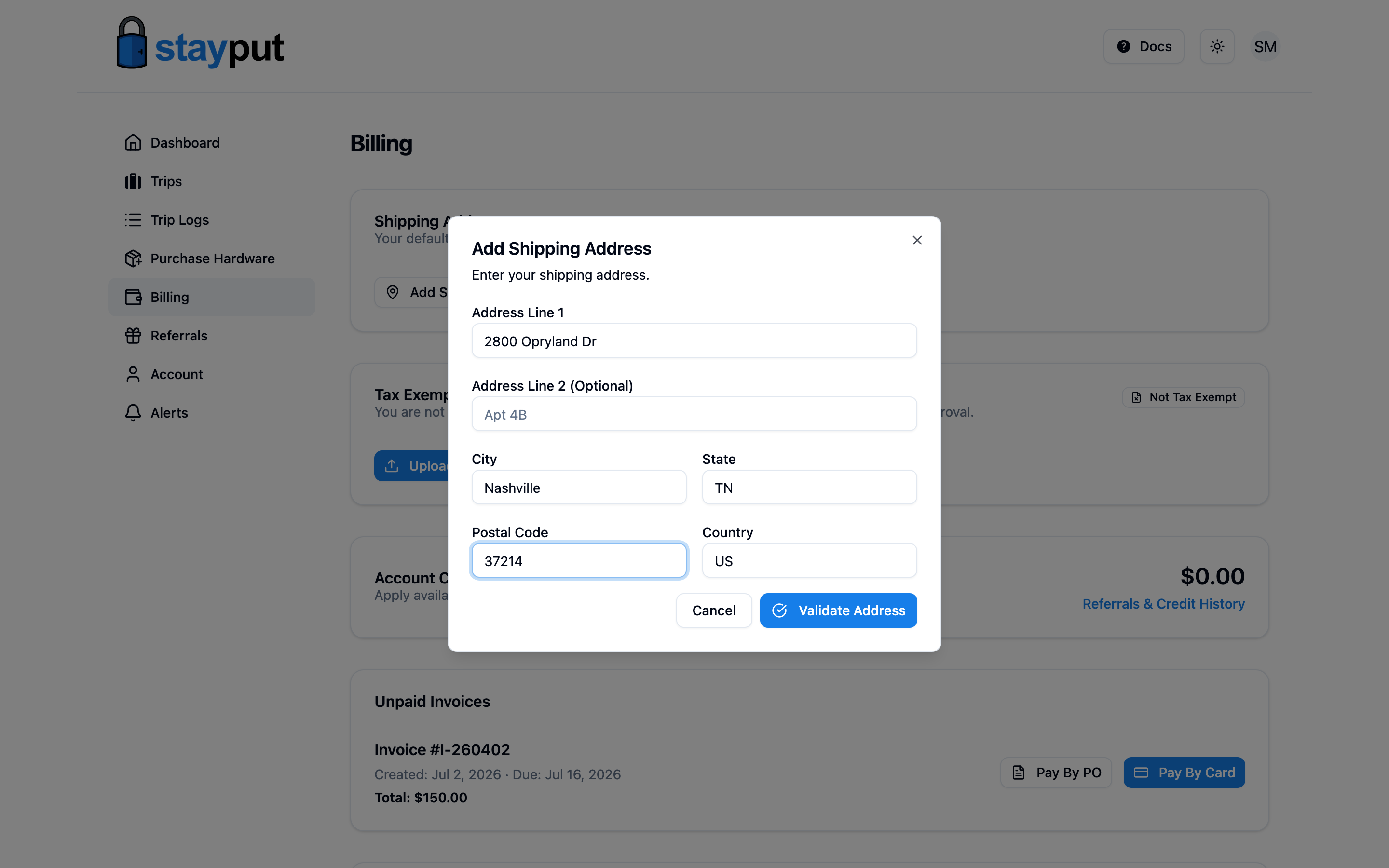
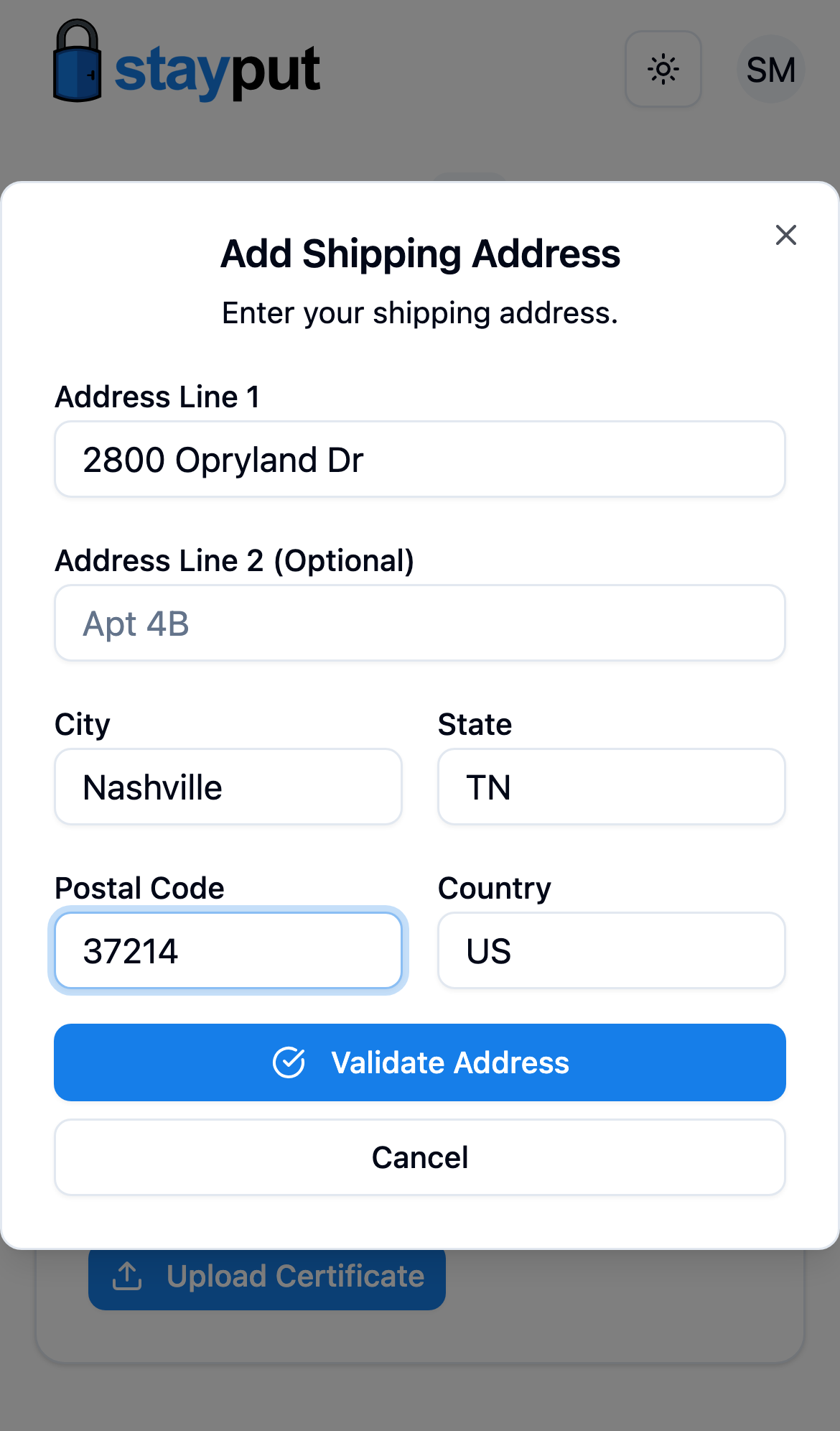
Validate and Save
Select Validate Address. StayPut checks the address and shows you a standardized version to confirm — select Use Validated Address to save it, or Edit Address to make changes first.
Quotes Update Automatically
Saving a new shipping address recalculates tax on your existing quotes, since tax depends on where hardware ships.