How to Purchase Additional Hardware
Order additional gateways and door sensors for your organization.
Order gateways and door sensors from the Purchase Hardware page. Hardware is a one-time purchase — you can reuse it on every trip and only pay monitoring fees for the nights you monitor.
You need a shipping address before you can order. If none is on file, enter it in the order form’s Ship To section, or add one ahead of time under Billing — see Add a Shipping Address.
Open the Purchase Hardware Page
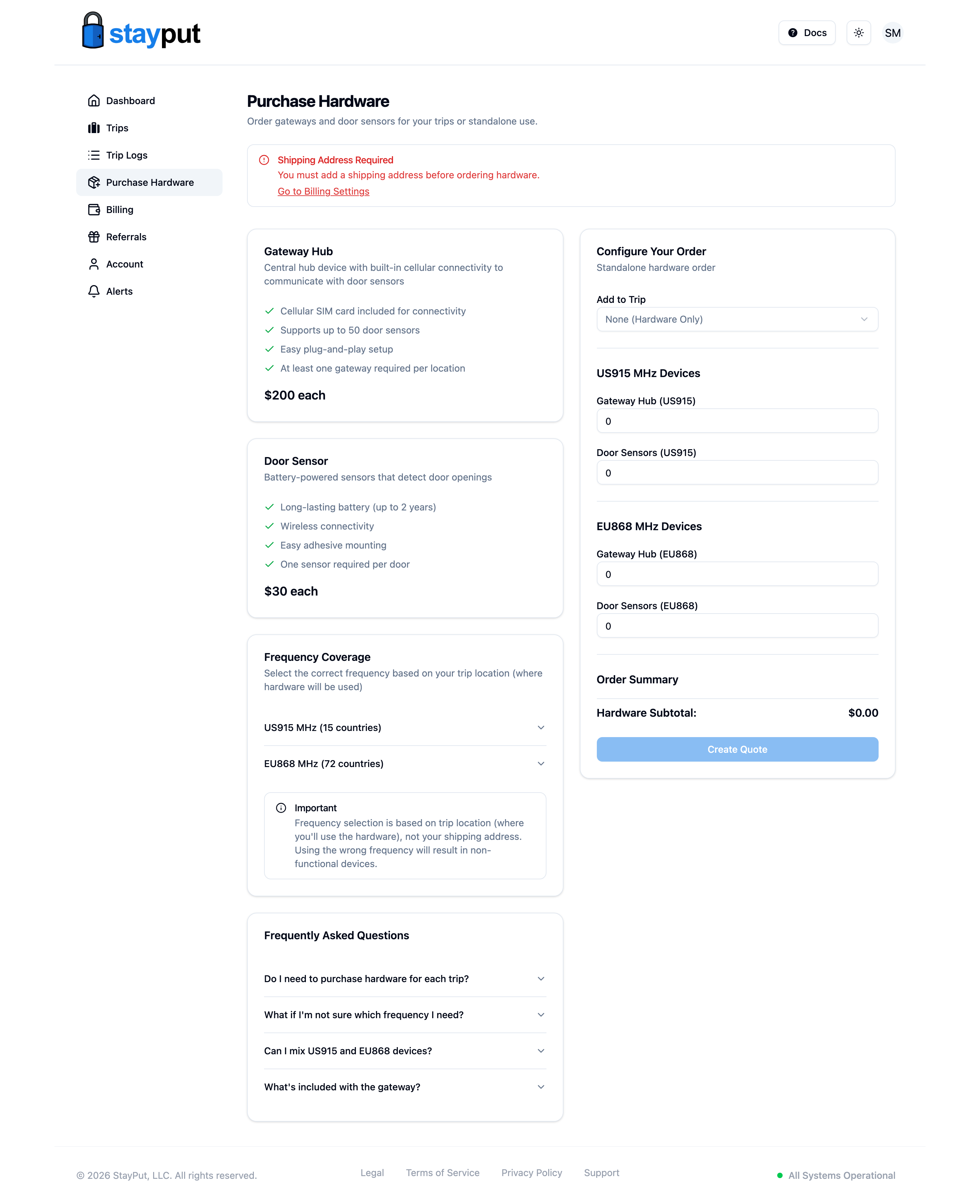
Select Purchase Hardware in the sidebar. A trip’s Hardware tab also links here when the trip has no hardware yet.

Choose a Trip (optional)
In the Your Order card, use Add to Trip to attach the order to one of your trips, or leave it as None (Hardware Only) for a standalone order. If you pick a trip, monitoring fees for that trip’s rooms and nights are added to the quote.
Choose Where You’ll Use It
Under Where Will You Use the Hardware?, search for the country of your trip destination. The list only includes countries our hardware is certified for, grouped by region. The form starts on the selected trip’s country (or your shipping country for a standalone order) and picks the matching hardware version for you — see Where Is My Hardware Usable? To see everywhere that version is usable, open Where does the hardware work? in the FAQ. If your destination isn’t in the list, choose My Country Isn’t Listed and contact support before ordering.
Enter Quantities
Use the + and − buttons on the Gateway Hub and Door Sensor cards to set how many you need. A gateway supports up to 200 door sensors and typically reaches several floors; plan one door sensor per room door.

Review and Create the Quote
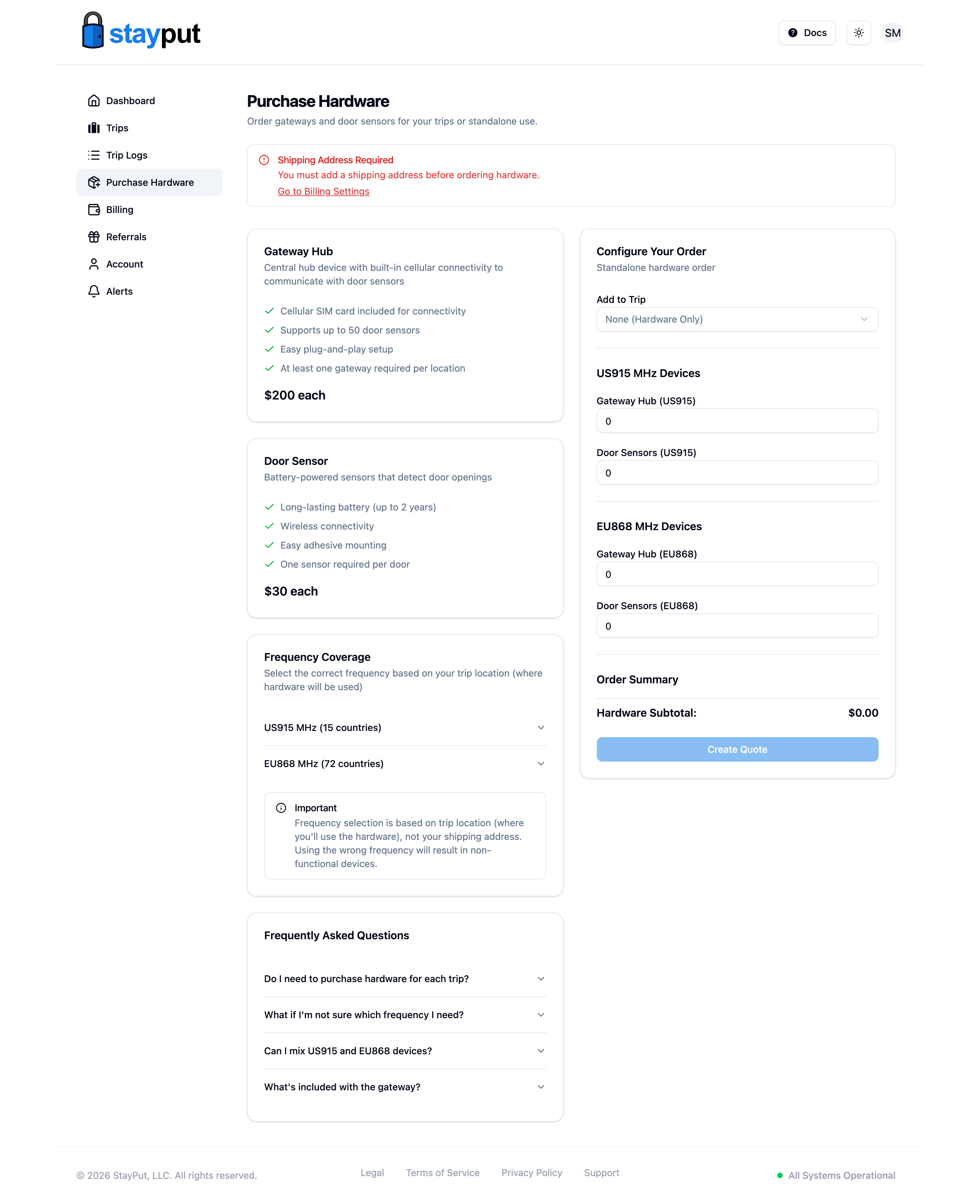
Check the totals at the bottom of Your Order, then select Create Quote. Nothing is charged yet — you can review and pay the quote from the trip’s Billing tab. Cards, checks, and purchase orders are accepted.
All devices used together at one location must be the same version. A US915 gateway cannot communicate with EU868 door sensors, and the reverse. Because the order form picks the version from your destination country, everything on one order matches automatically — if you need hardware for trips in two different regions, create a separate order for each.