How to Set Curfews
Configure overnight curfew windows and what happens when a door opens.
A curfew window is the time range each night when a door opening triggers an alert. Set one for every night of the trip so chaperones only hear about the openings that matter.
Only the trip owner or a planner can set curfews and trip alert rules.
Open the Curfews & Alerts Tab
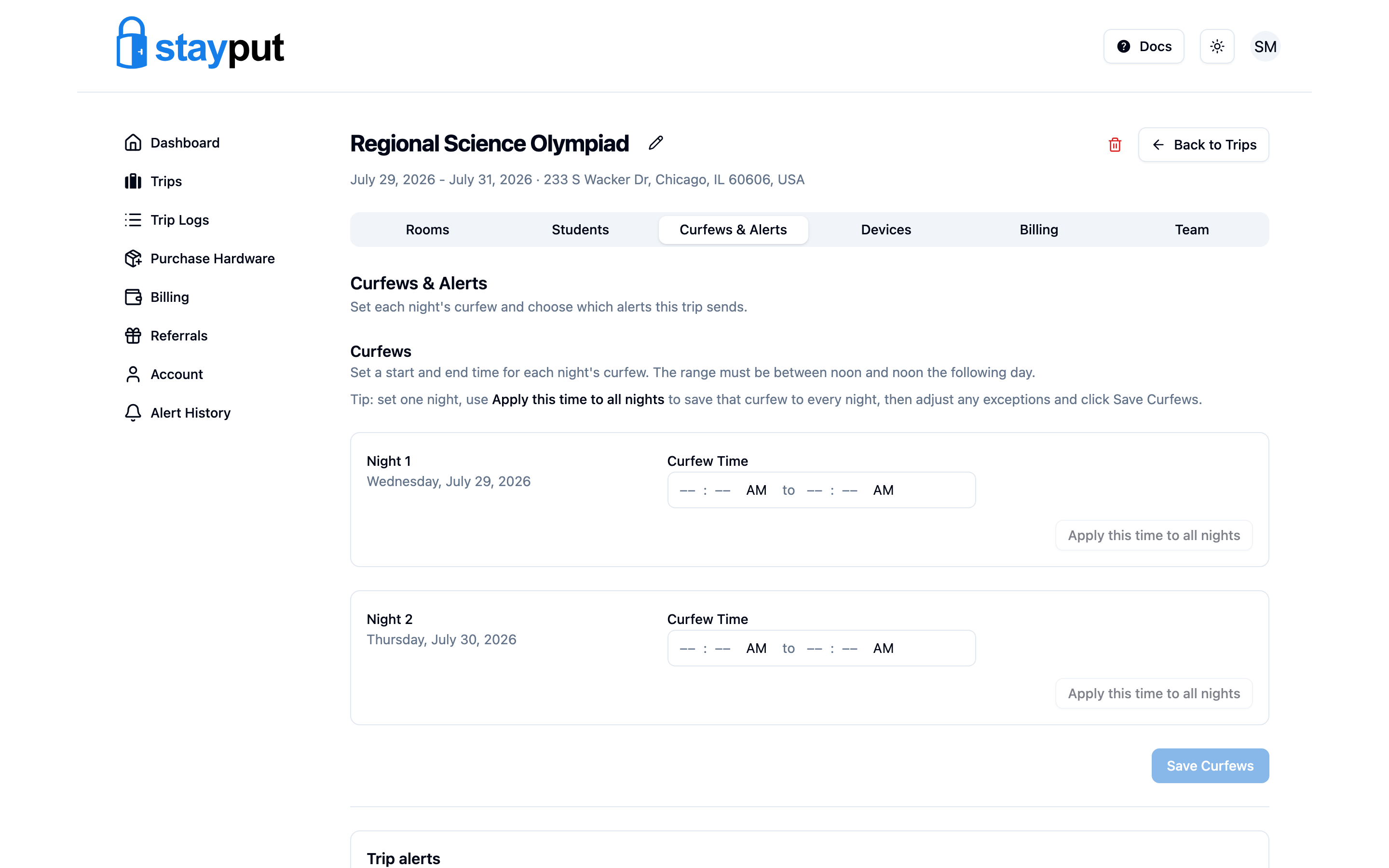
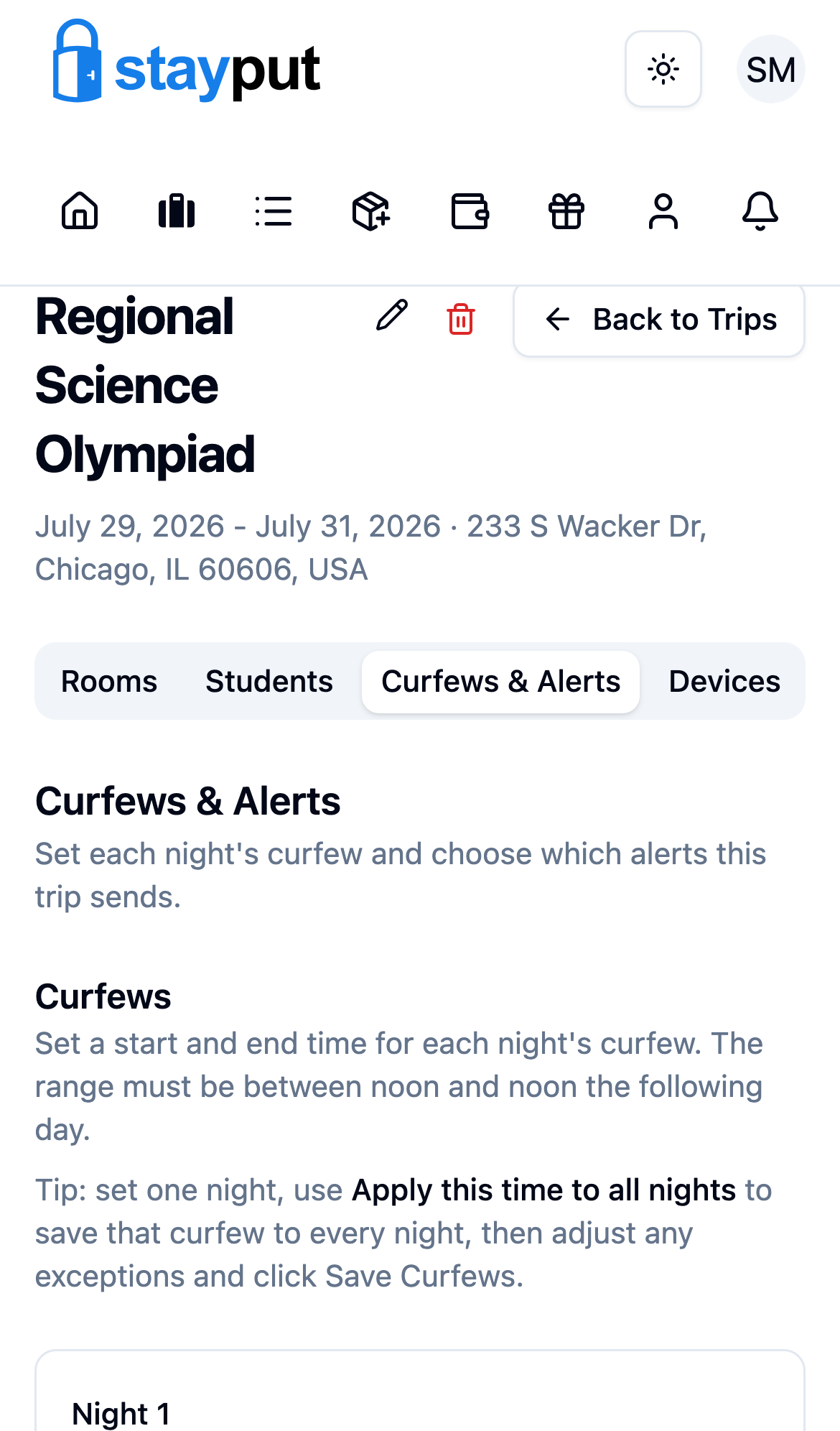
Go to Trips, open the trip, and select the Curfews & Alerts tab.
Set the Curfew Time
Under Curfews, enter a start and end time on the Every Night row and select Apply to All Nights — this copies the window to every night and saves it in one step. The range must fall between noon and noon the following day (so an overnight window like 11:00 PM–7:00 AM works, but it can’t cross into the afternoon).
Adjust Individual Nights (optional)
Each night (Night 1, Night 2, …) has its own row below. Change any night that needs an exception, like a later curfew on the last night, then select Save Curfews.
Review Trip Alert Settings
Below the curfew times, Alerts controls what triggers a notification: a door opened during curfew, a door already open when curfew starts, an optional door-open-longer-than threshold (any time, not just during curfew), a gateway offline for 5+ minutes, and a door sensor not reporting for 16+ minutes. Adjust these and select Save Alerts if needed.
This tab controls what triggers a trip alert. How you personally receive alerts (email, SMS, push, sounds) is set separately in each member’s Account settings, and trip alerts go to every trip member on their own enabled channels.